

Contact forms are the bridge between you and your customers. No matter how much effort you put into making your products user-friendly, with detailed and clear documentation and meticulously crafted website content to explain your services, you can still miss out on customers. Refine every detail to get customers to leave inquiries or messages.
As owners of cross-border e-commerce websites, we know we acquire many valuable leads through forms. This is especially true for startups that receive a large number of inquiries from website visitors, where forms play a crucial role. In this article, we've compiled the best contact forms.
Contact form templates can be divided into two main categories. One is a structured query form, where users must select questions from a given set of options.
Another type is the general type, where users can openly inquire about your products. This second form template is the most common. If your organization contains multiple departments, the first model will be useful.
In this list of form templates, we have listed two types of forms. These form templates are from...Diamond Field Omnichannel Marketing Independent Website ConstructionOur team ensures you receive a stylish and well-designed template for free. We hope this provides some inspiration for building your cross-border e-commerce website.
The best free contact form template is as follows:
Contact Form V01
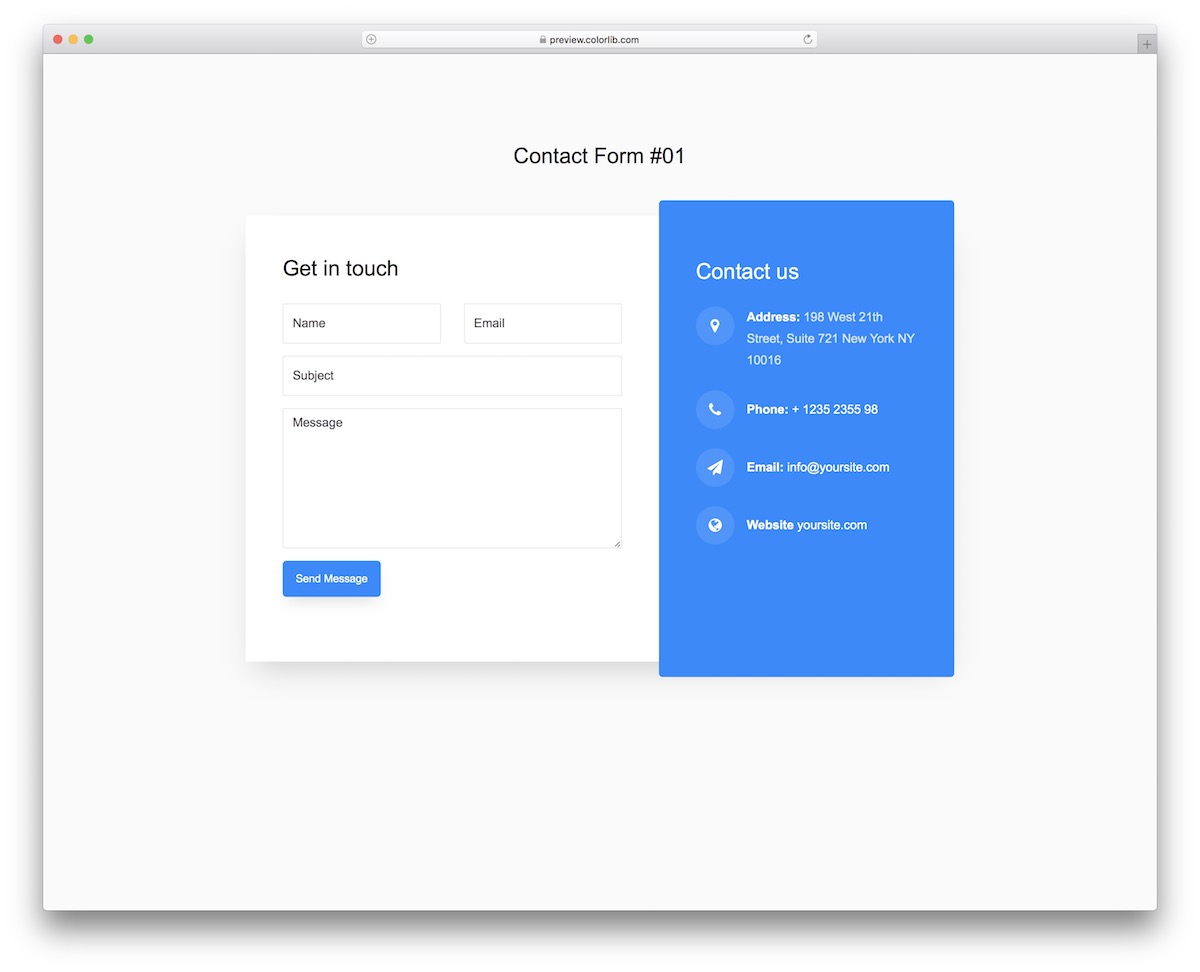
We can call the contact form V01 the basic form, which is suitable for anyone who wants to add other contact methods/information.
If someone wants to call you instead of texting, please add your phone number. If they want to visit you in person, please add your address. That's it!
Contact Form V02
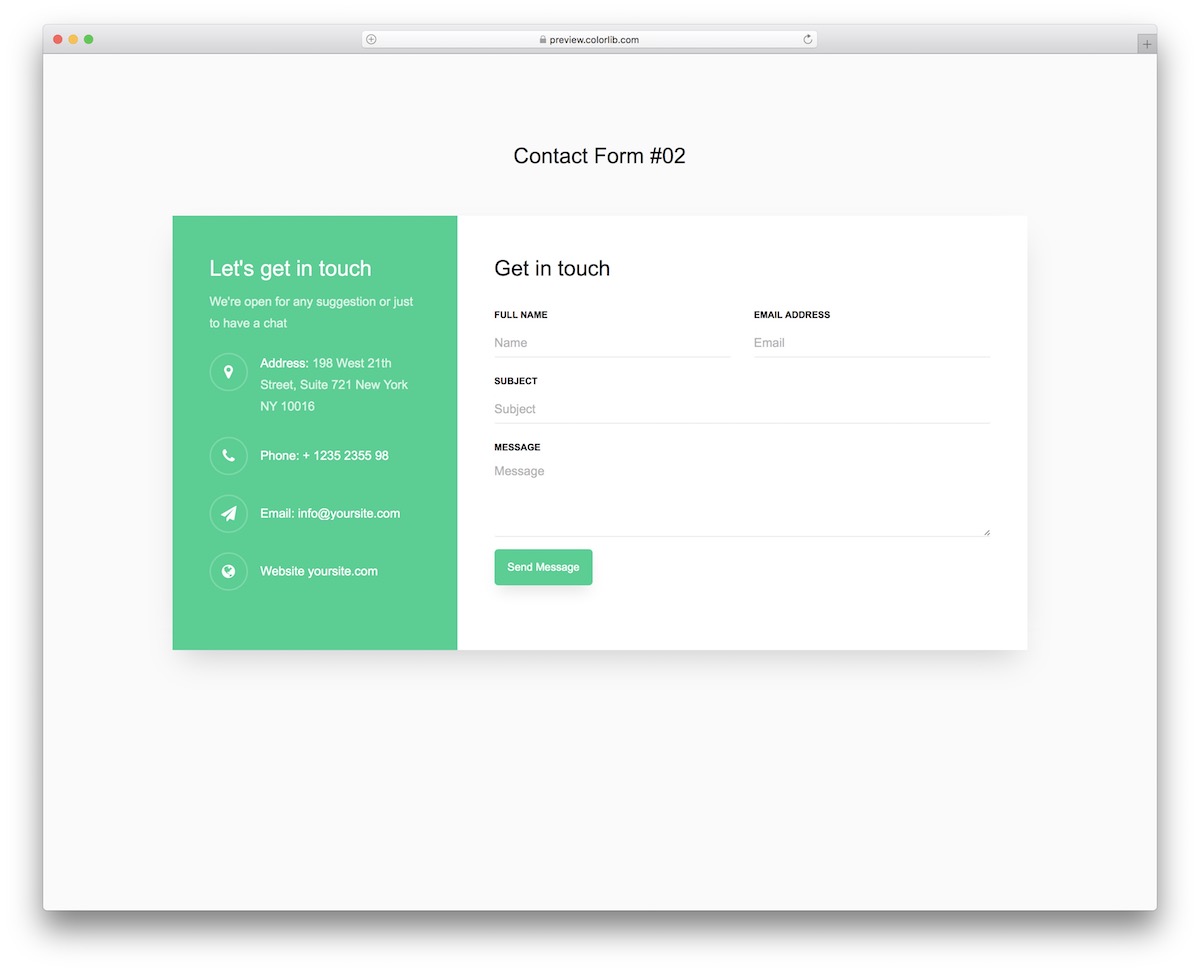
Contact Form V02 is a minor variation of the V01 template. By default, it uses a green color scheme, with the contact form on the right and additional information on the left.
Thanks to the user-friendly code, you can quickly make custom tweaks and improvements, such as changing color options and adding different text. Alternatively, you can leave the default settings unchanged.
Contact Form V03
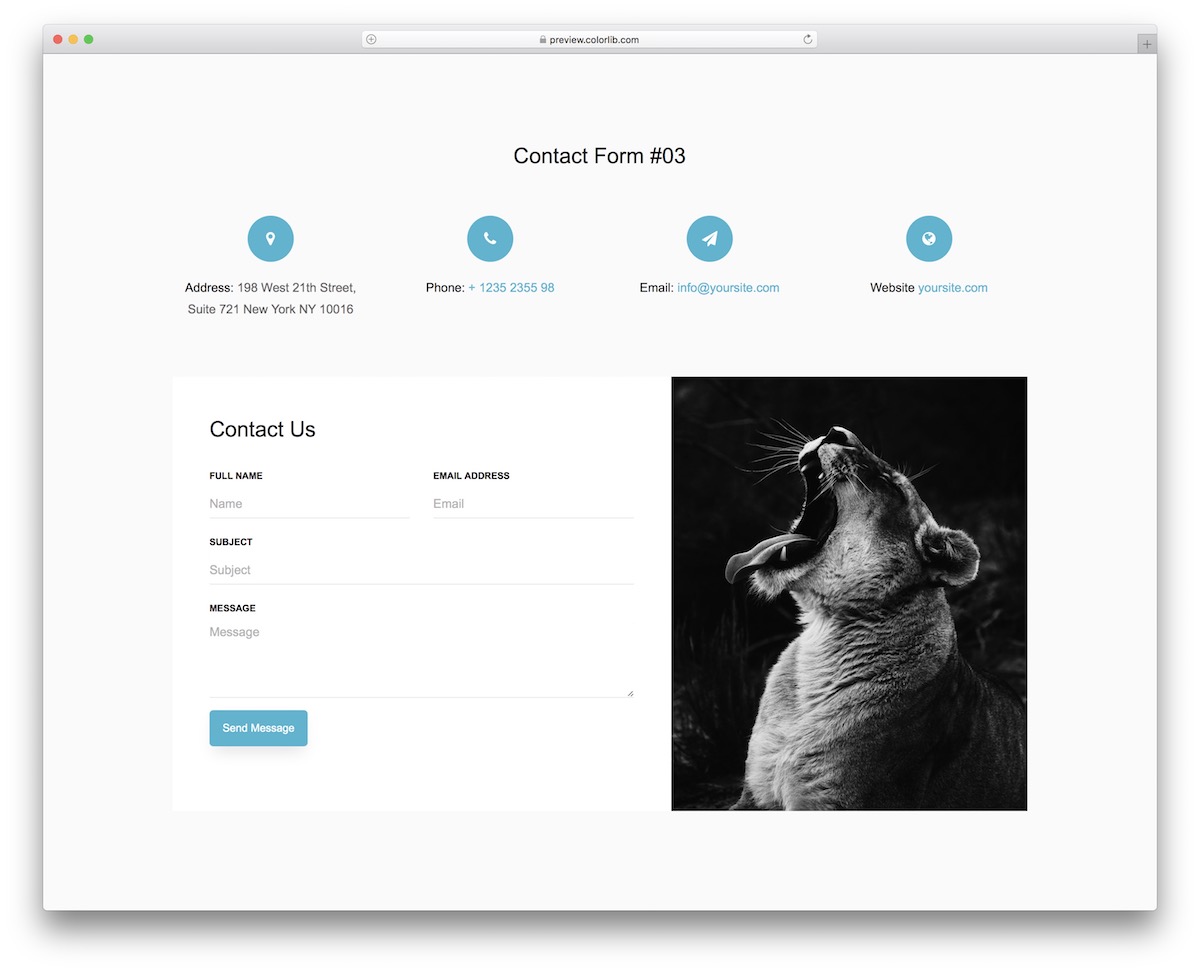
If the first two free query templates are too basic, here's one that will impress you. The image section makes it popular—especially on desktop.
When you view this form on a mobile device, the elements will be stacked one on top of the other, starting with the extra details and then the contact form.
Contact Form V04
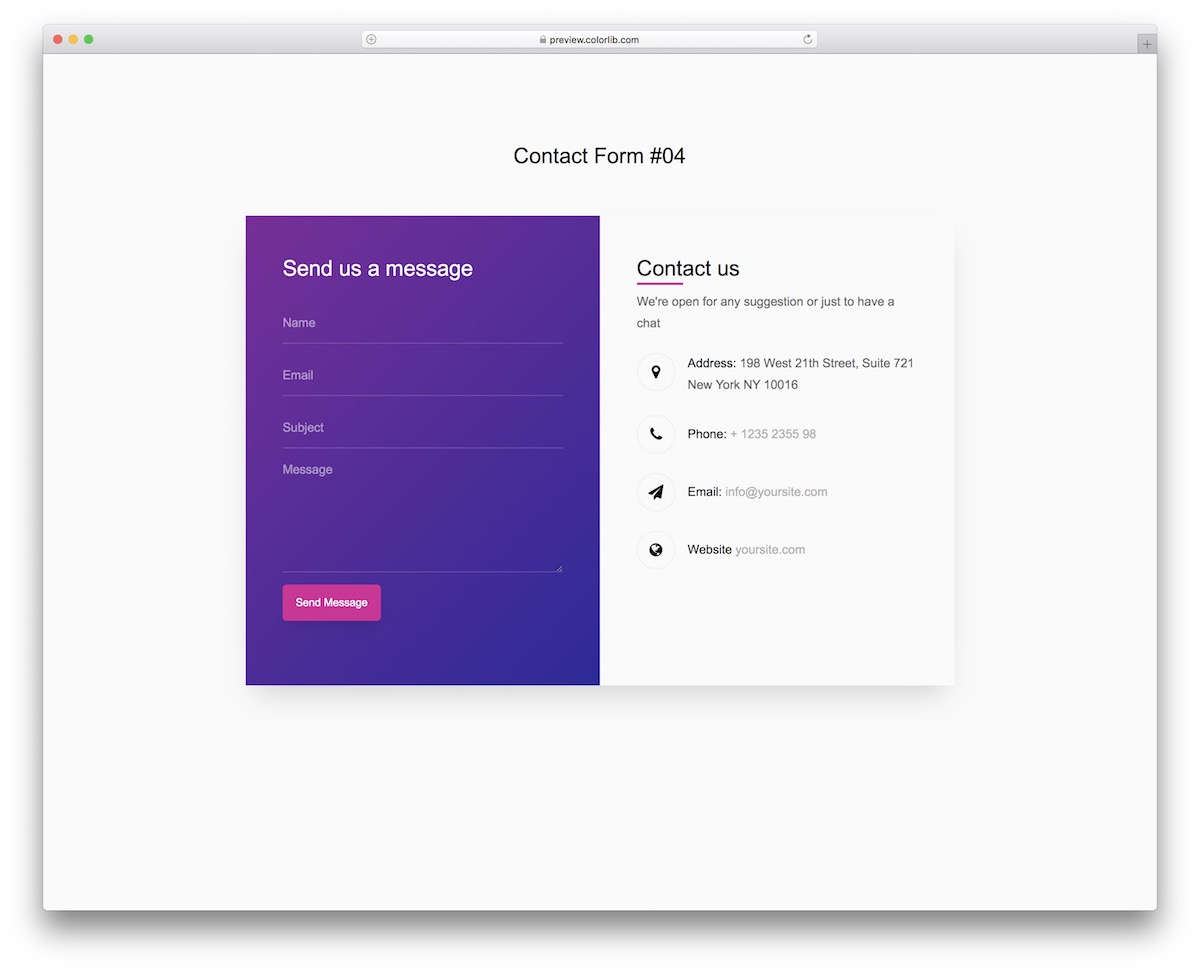
Contact Form V04 is sure to become your favorite from our free form templates, featuring a split design and gradient effects.
This is a fantastic form. You can enrich Contact Form V04 with your creativity to meet your standards. You can also test its mobile performance by accessing a live demo preview.
Contact Form V05
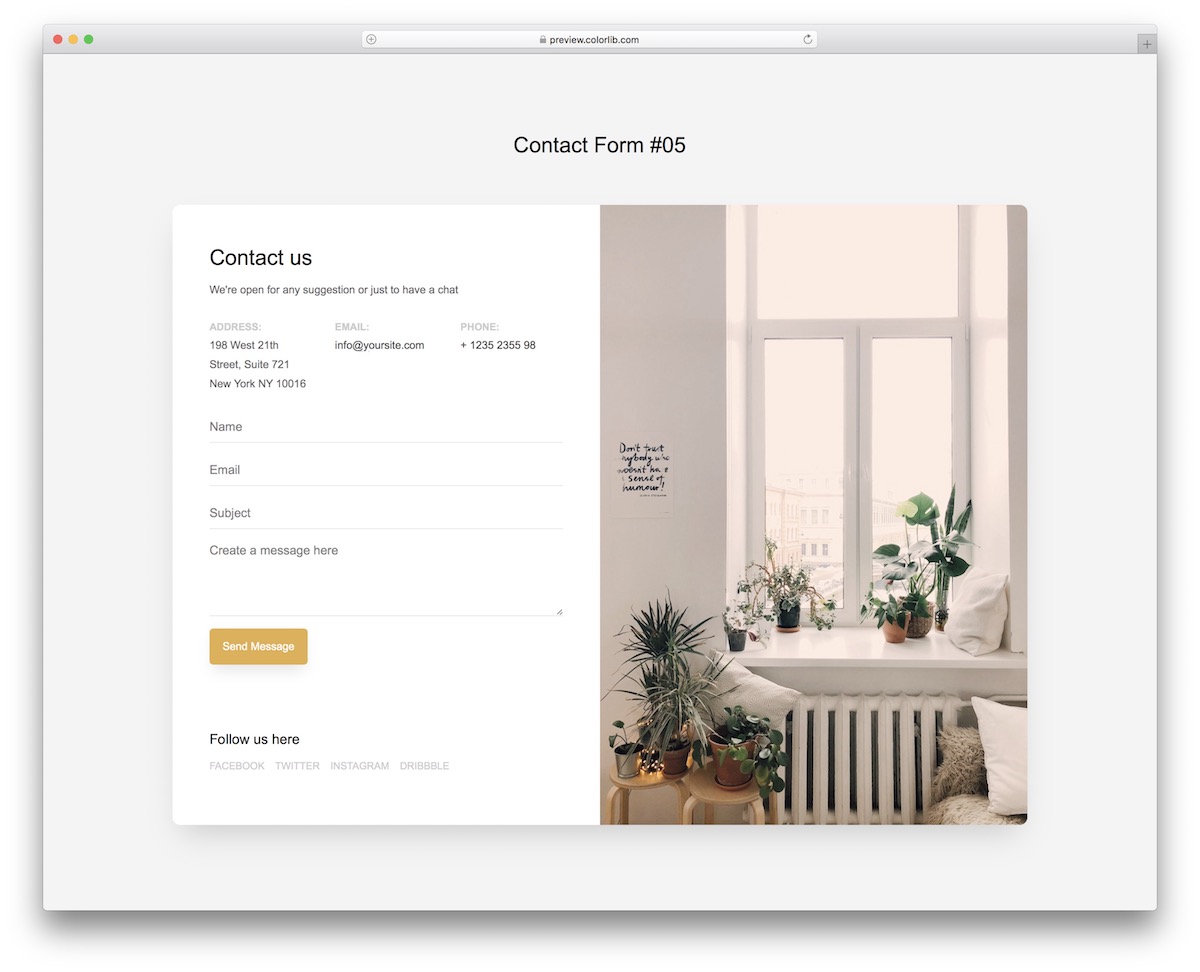
With our free templates, you can be as creative as you want or get the easiest support possible. The Contact Form V05 is a great creative alternative.
On one side of the form, you can also add links to social media accounts and other contact methods.
Contact Form V06
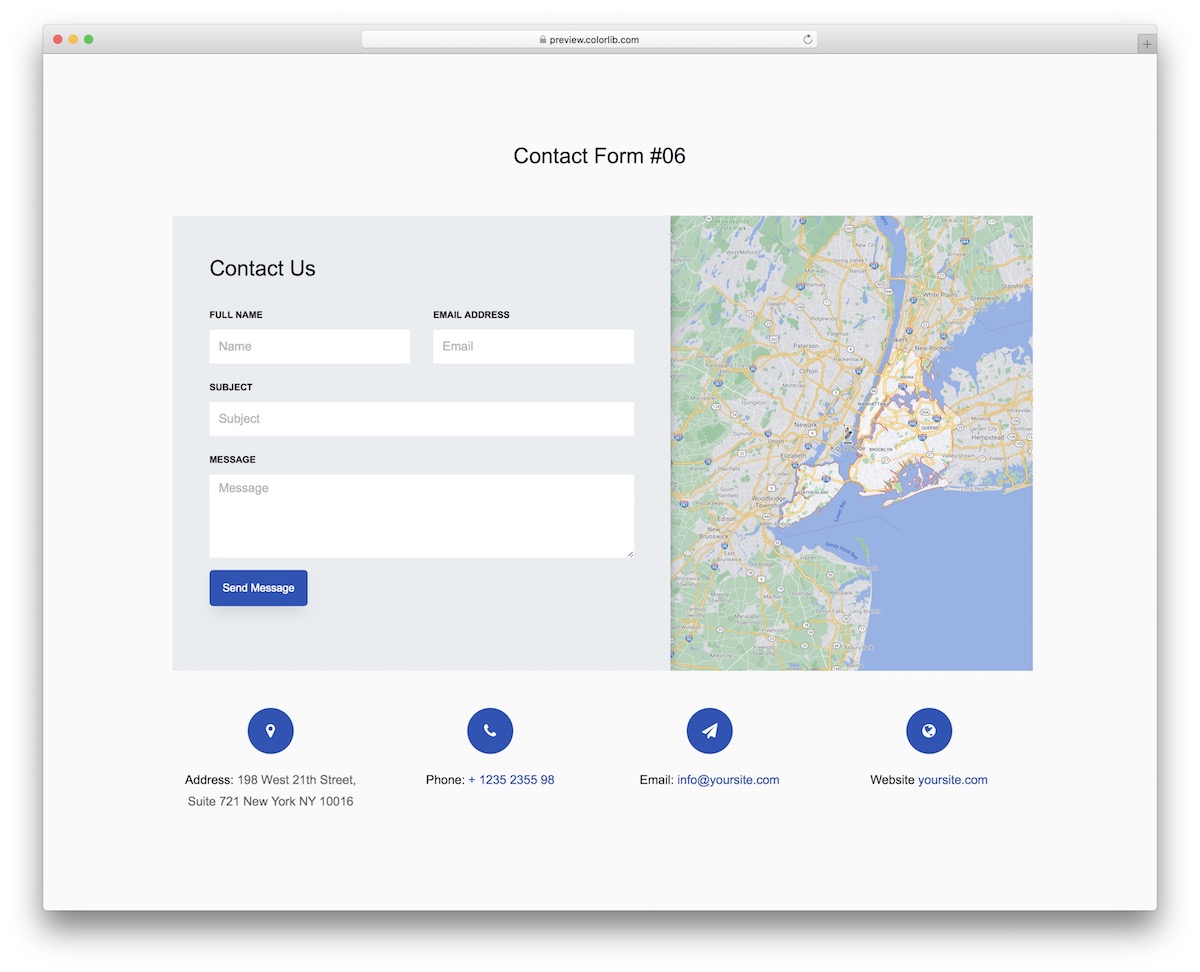
The contact section of the page is also a great opportunity to show your exact location on a map. You don't have to start from scratch—you can do this by using the contact form V06.
The free form template includes a Google Maps feature out of the box for your convenience. Embed it into existing pages on your website, or even create a separate section for the Contact Form V06.
Contact Form V07
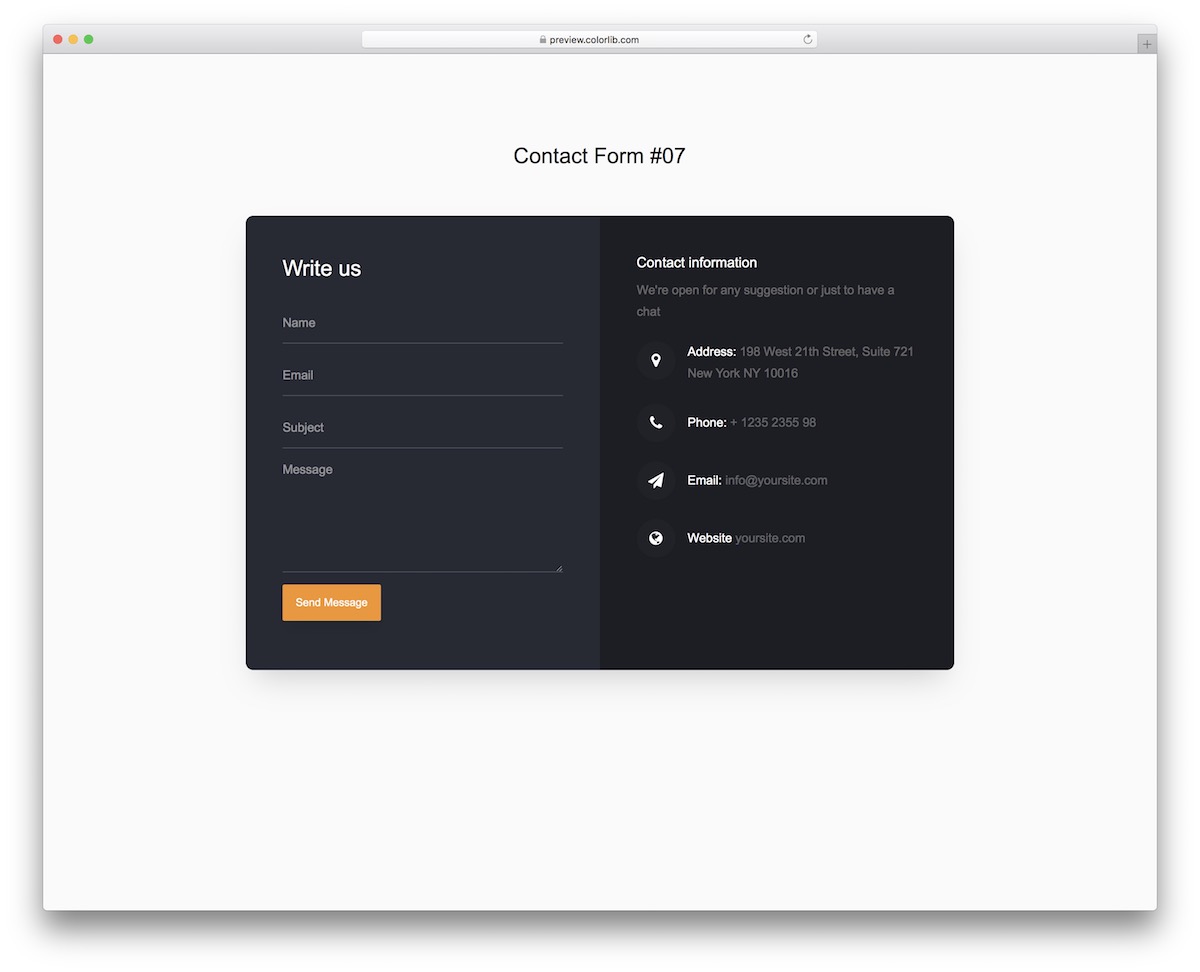
I believe many of you appreciate dark design—myself included. Contact Form V07 is a dark form template.
It features rounded edges, a mobile-friendly layout, and additional contact information fields. You can even add a link back to the homepage so your users can continue browsing the page after clicking the "Send Message" button.
Contact Form V08
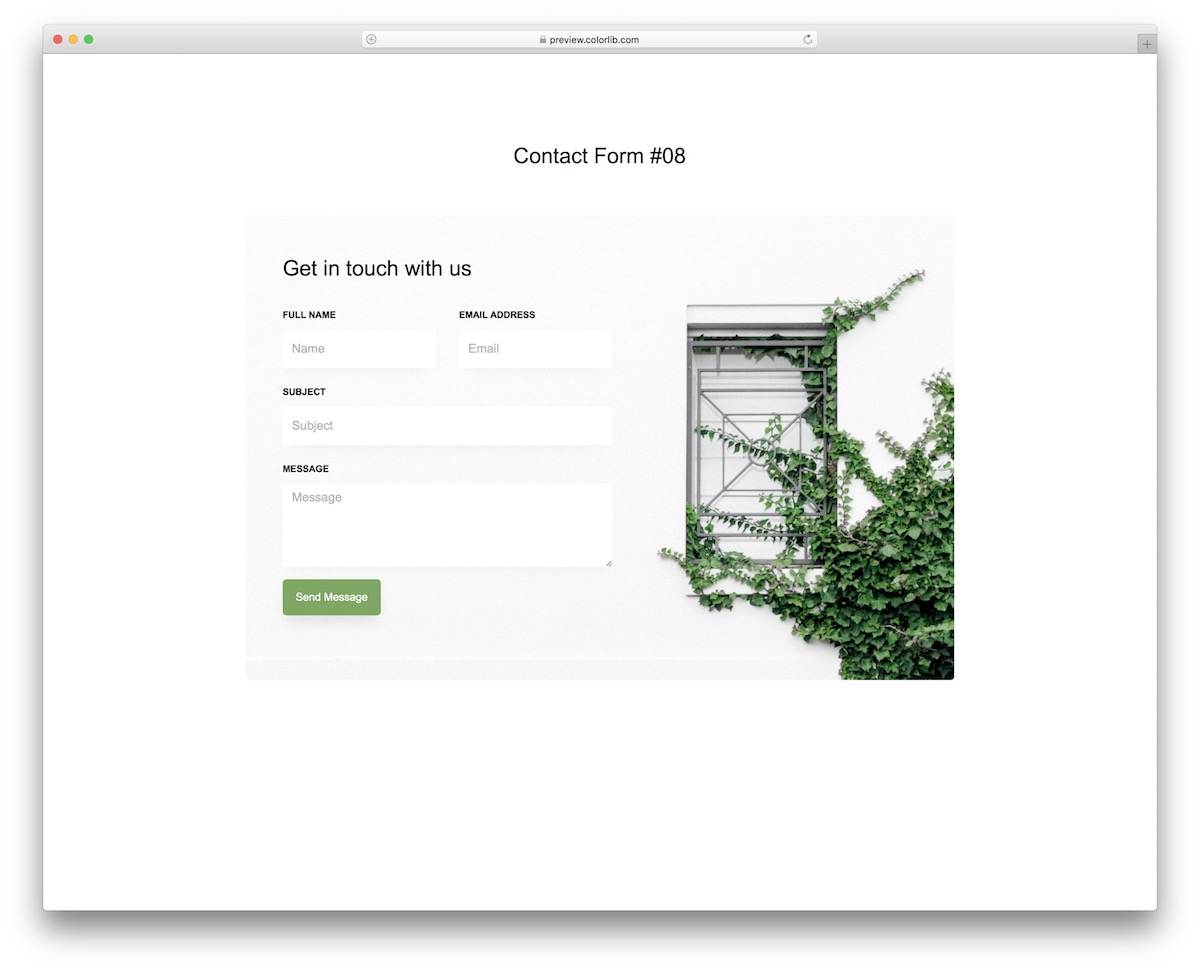
There's always a way to make your contact widget stand out on your website. One solution is to add an image background, such as the contact form V08.
Please remember that you don't necessarily need to stick to the default configuration. However, if you do, you'll speed up your workflow. Even if you're a beginner developer, implementing changes and improvements will be much faster.
Contact Form V09
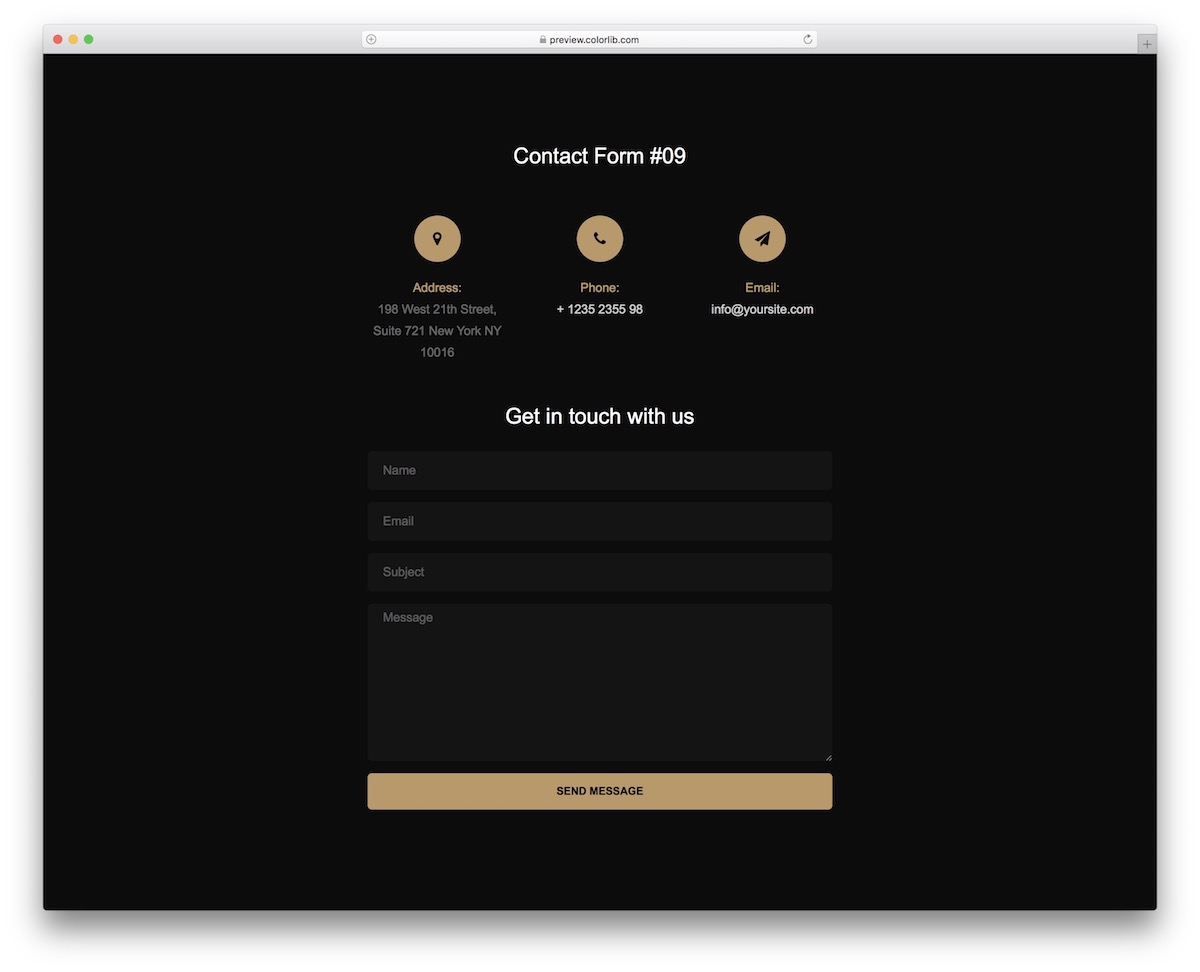
The black and gold color scheme of Contact Form V09 looks almost luxurious. It caught my eye when our development team prepared it for our loyal users.
You can share your company address, phone number, and email address using the contact information above. Below is a query/contact form with four fields, featuring autocomplete and verification.
Contact Form V10
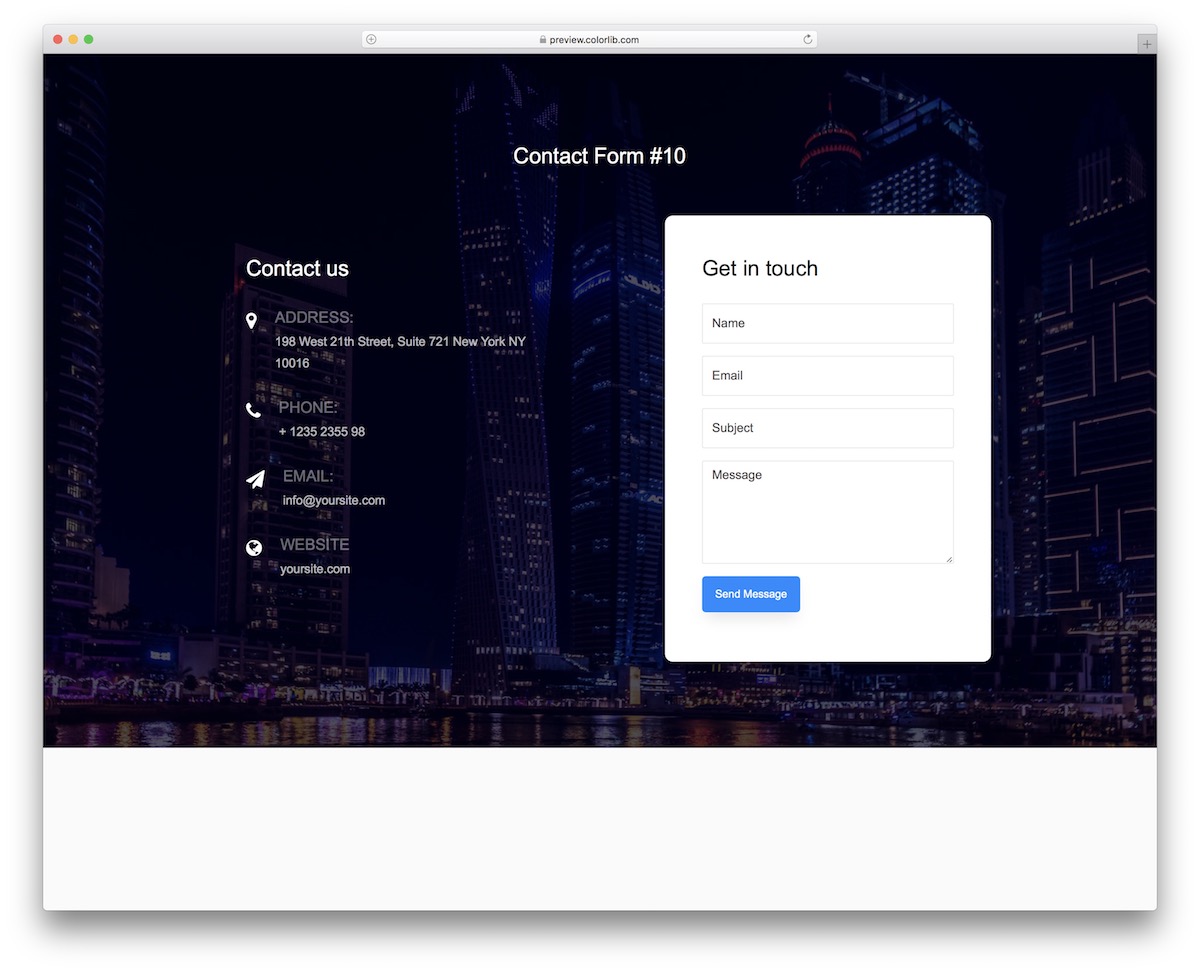
The most noticeable feature of the Contact Form V10 is its image background. Furthermore, additional information is presented without a background (it's transparent). The contact form is housed in a white box, making it stand out from the rest of the design.
Contact Form V11
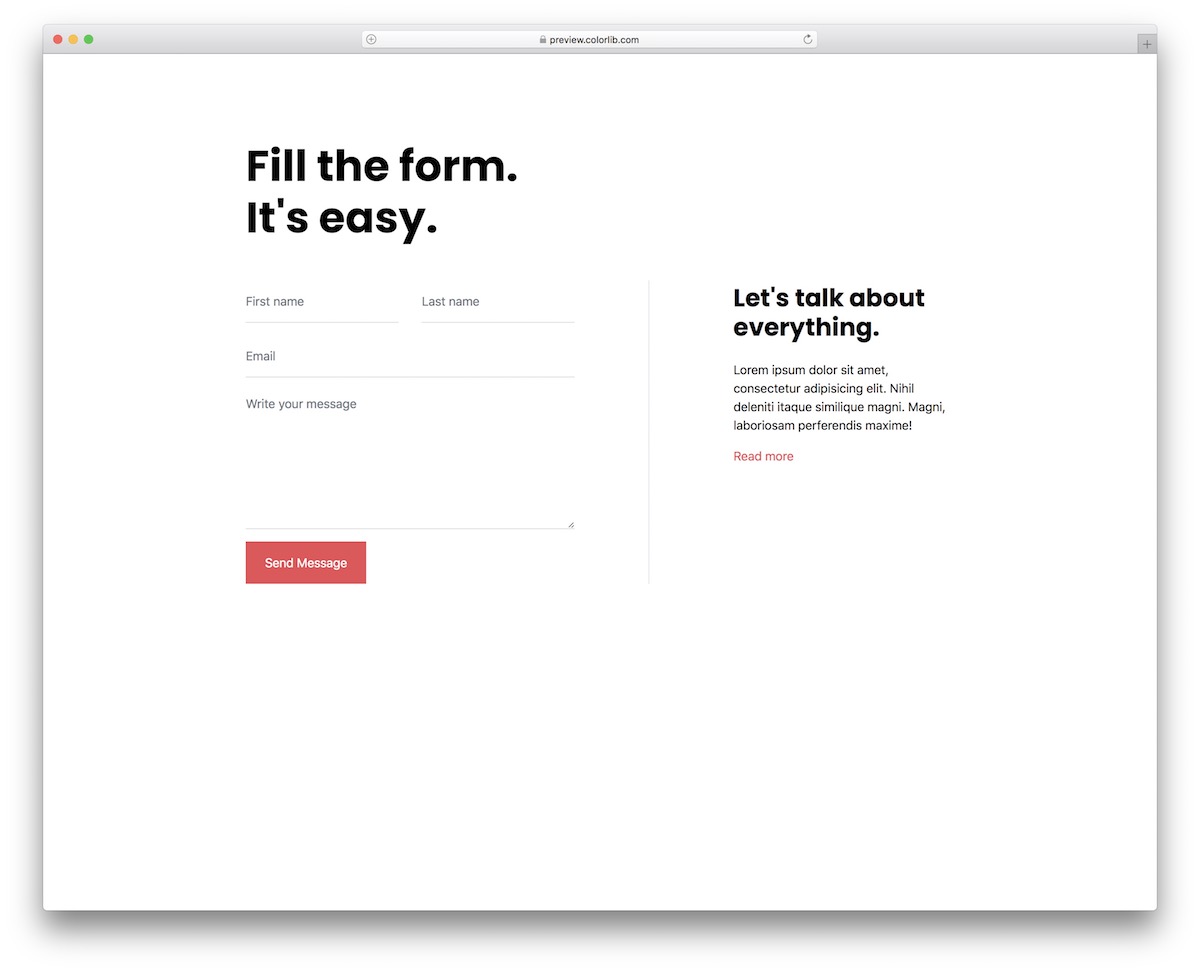
If you're a minimalist, then ask for nothing more. The Contact Form V11 features a beautiful, clean, and easy-to-view design. This makes it easily adaptable to different website themes.
You'll hardly need to do any design work. Contact Form V11 is ready to use out of the box, so don't miss it.
Contact Form V12

If you're looking for simplicity, the Contact Form V12 is another excellent variant of the form. You can save all the extra time needed for modifications because you can use it directly.
Another cool feature of Contact Form V12 is the additional text field, which allows you to share any message you want.
Contact Form V13

Contact Form V13 boasts excellent coding structure, a mobile-ready layout, and rapid customization. Therefore, you can use it for different websites, but it will work as is for businesses and organizations.
Even with a free query form template, the results will still be very professional, which is what you want.
Contact Form V14
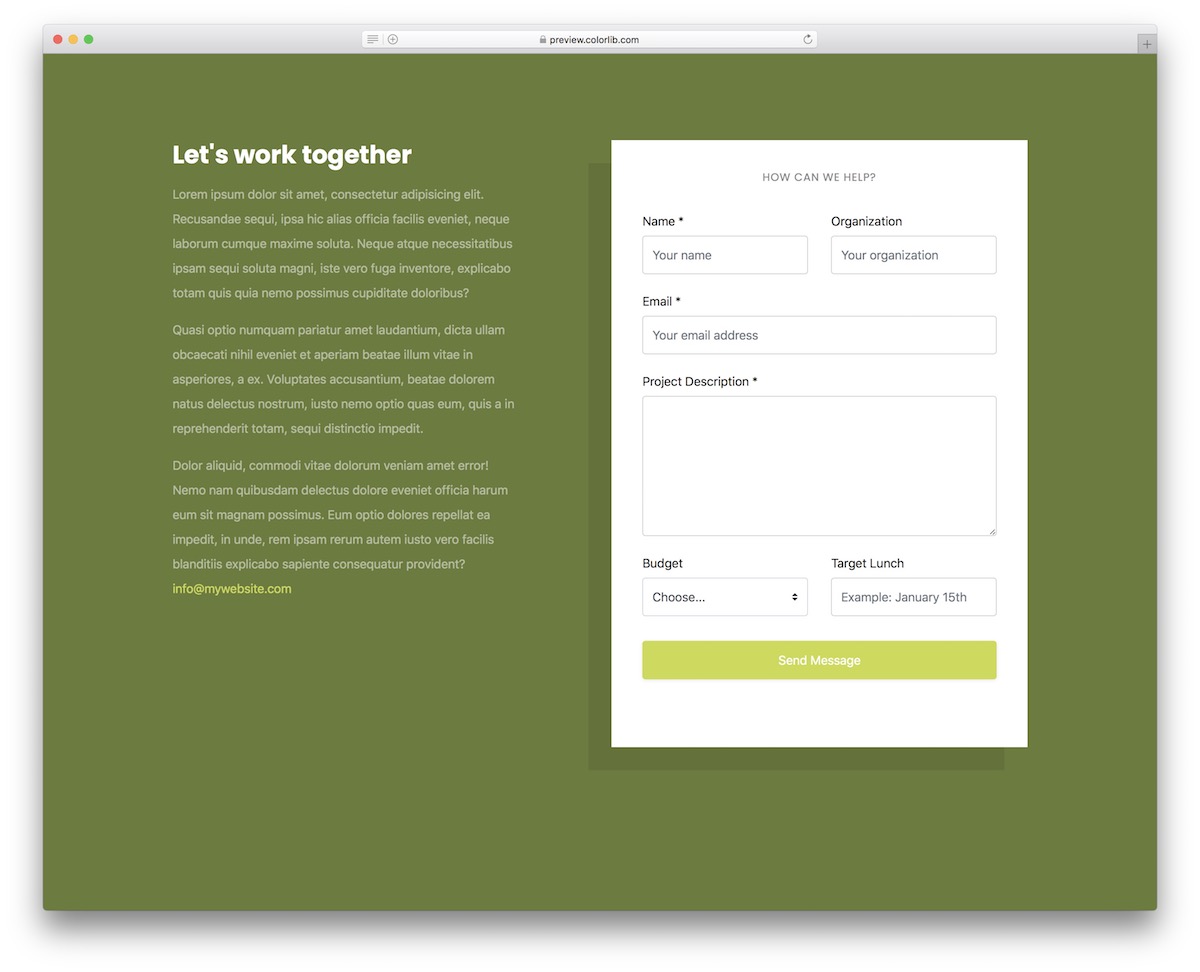
Contact Form V14 is great because it has extra fields for budget and goal setting. It's perfect for agencies, especially in marketing, but you can use it for other things too.
This template has two parts: text and a form. You can use the former to share more information about your business and how your customers can benefit from it.
Contact Form V15
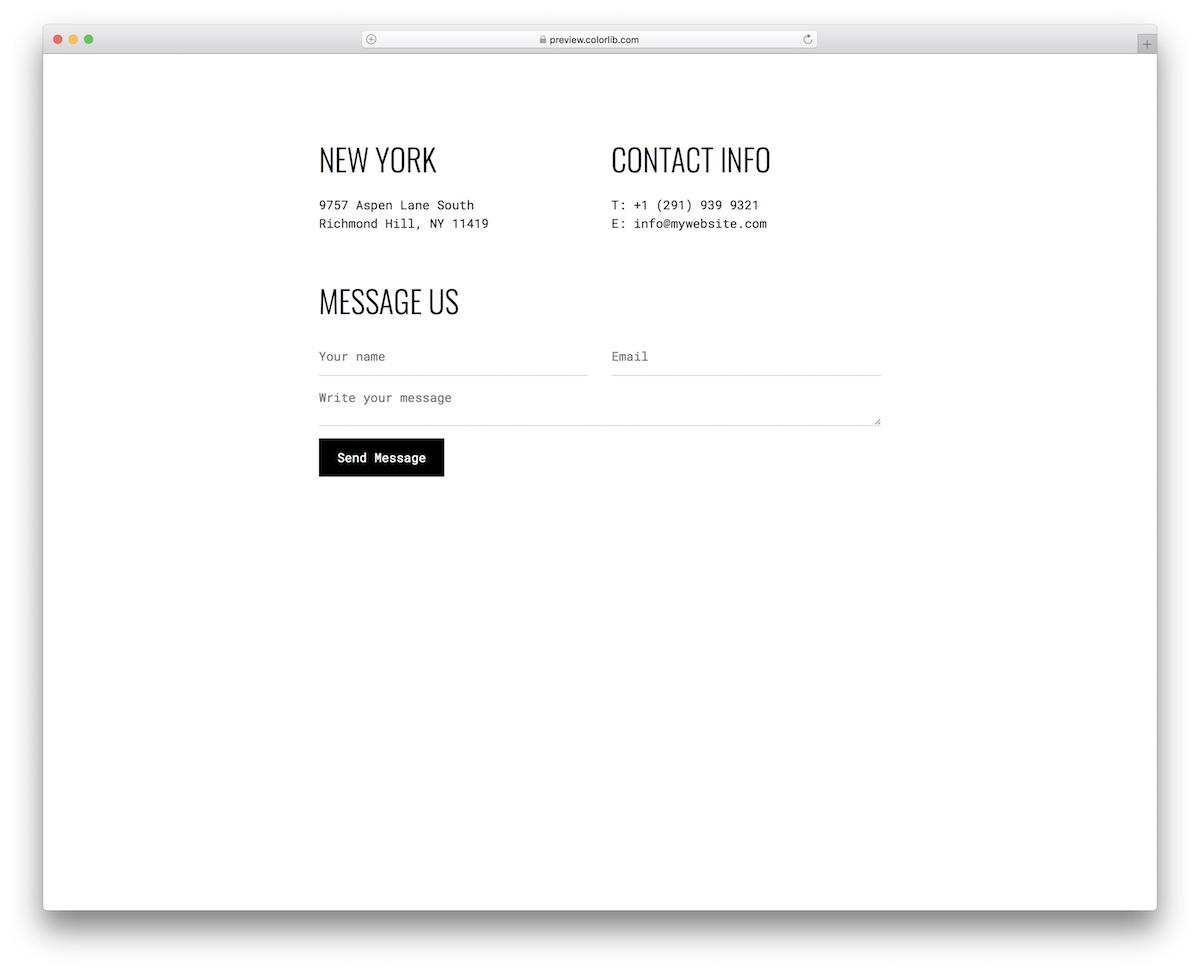
Don't assume we've covered the bare minimum of free form templates. Because we're not. Contact Form V15 is an excellent choice for those with a more creative (yet simple) approach to web design.
It also comes in a black and white style, and we all know how well it adapts to different designs. However, you can also change certain things (such as button colors) if you want.
Contact Form V16
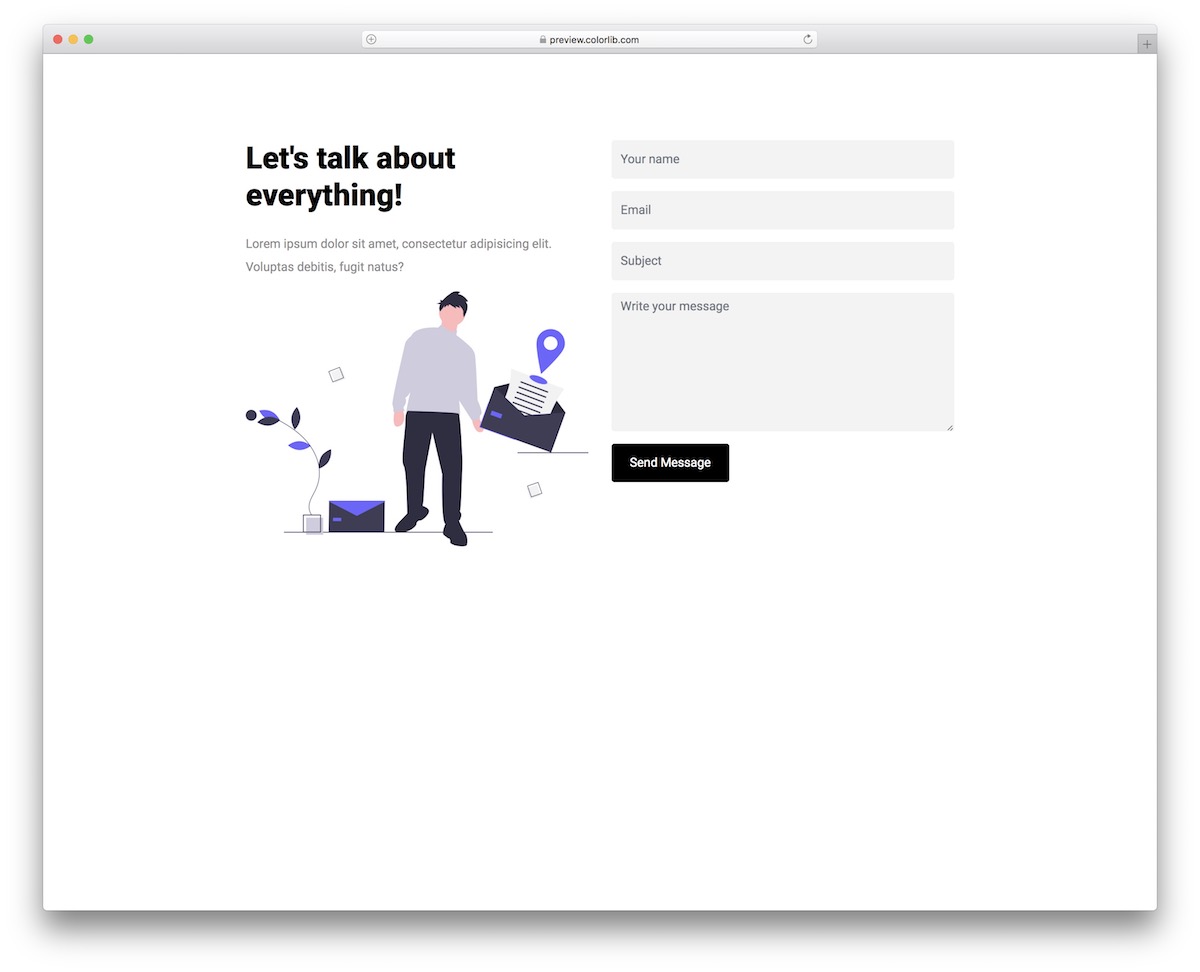
Everyone running a business online will benefit from Contact Form V16. You can use it for software, applications, agencies, and more.
Contact Form V16 is a Bootstrap framework template, so you know the performance will always be top-notch. Test it (see live demo), download it, and enjoy the results.
Contact Form V17
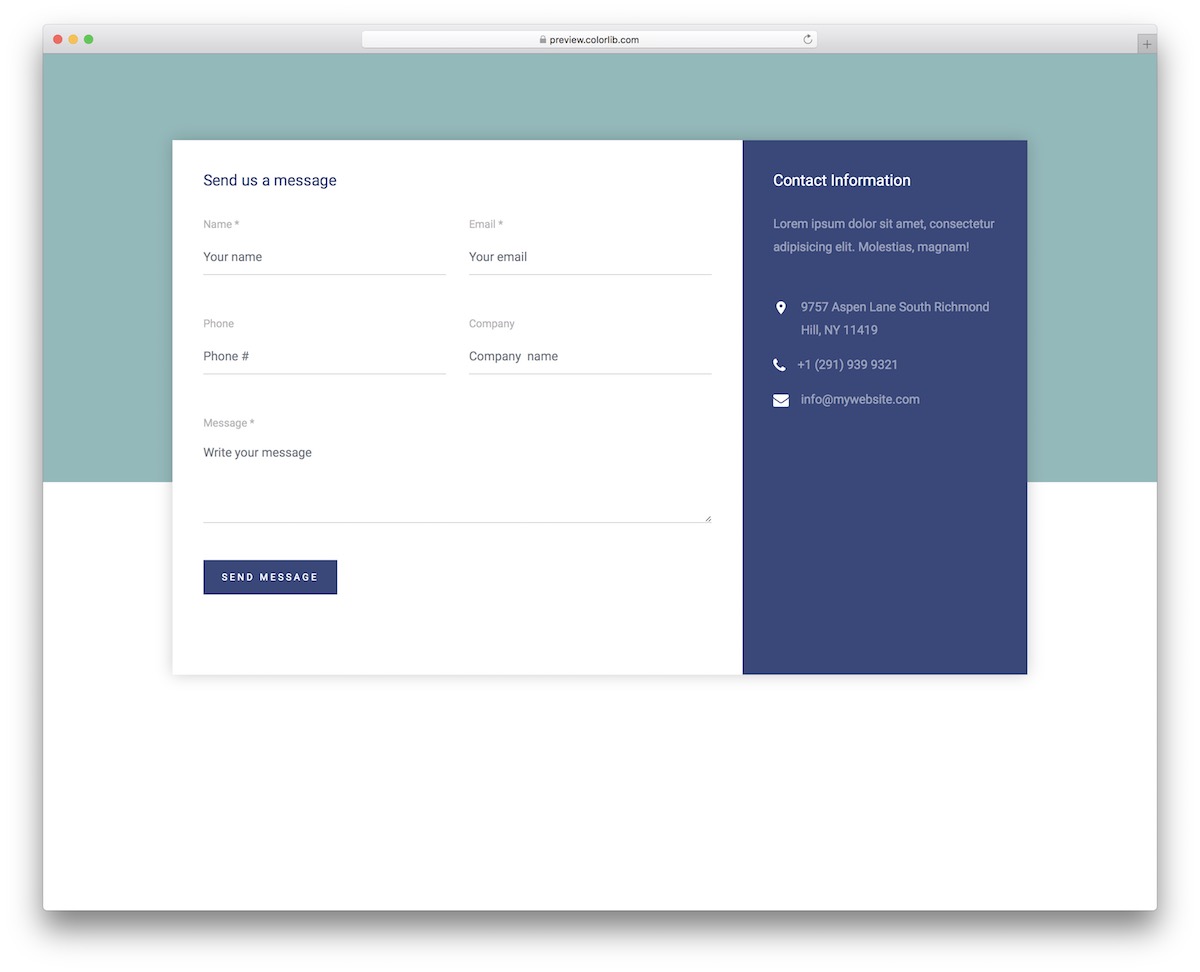
Contact Form V17 looks very corporate, but it's easy to use it to go against the grain. Fortunately, it only requires some quick code tweaks to improve the default design.
Like most free form templates on this list, Contact Form V17 includes form validation and autocomplete.
Contact Form V18
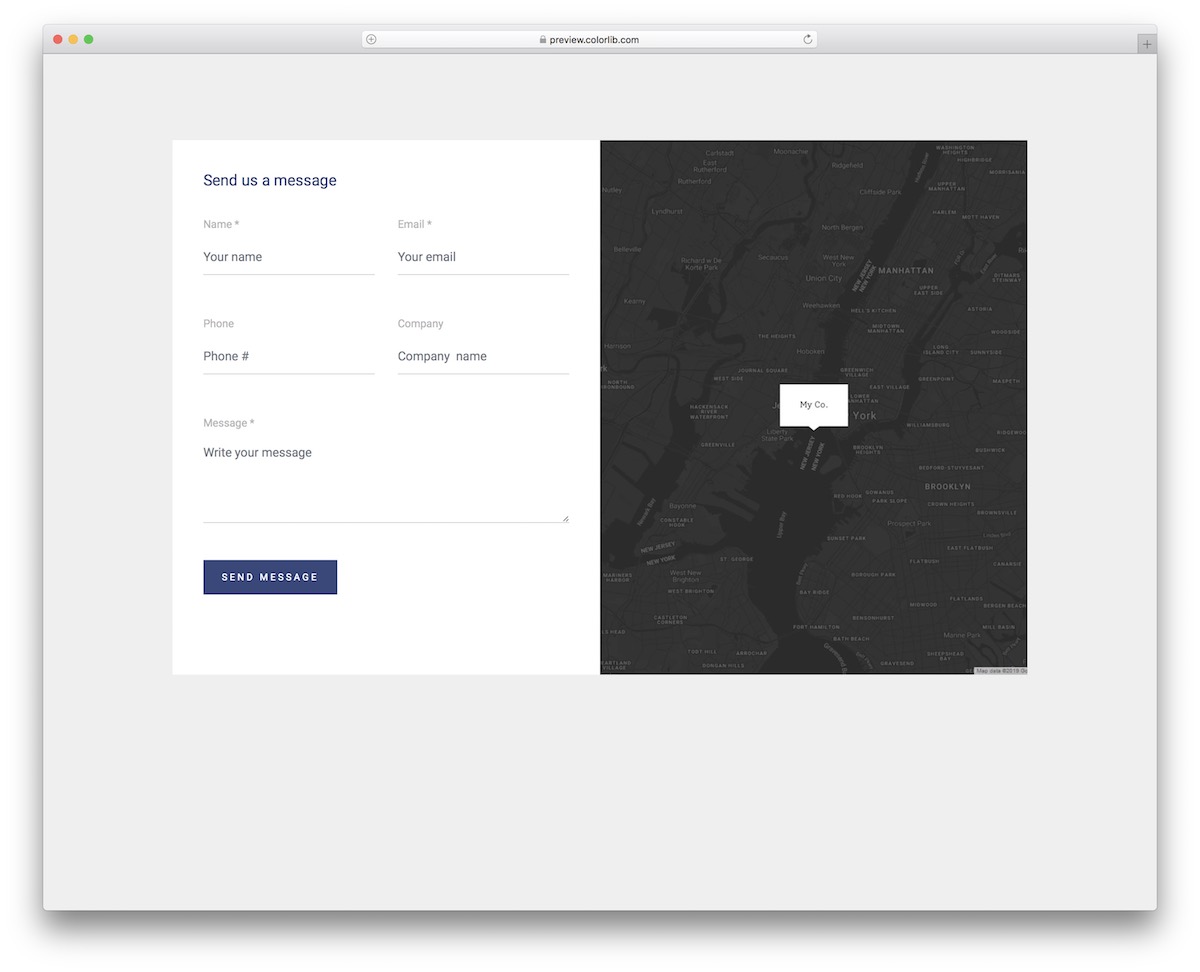
We have a similar query form style to the one above (integrated with Google Maps), but we want to create another variation. On mobile devices, the vertical format is changed to a horizontal format to maintain the best user experience.
The form includes five fields: name, email, phone number, company name, and a text area.
Contact Form V19
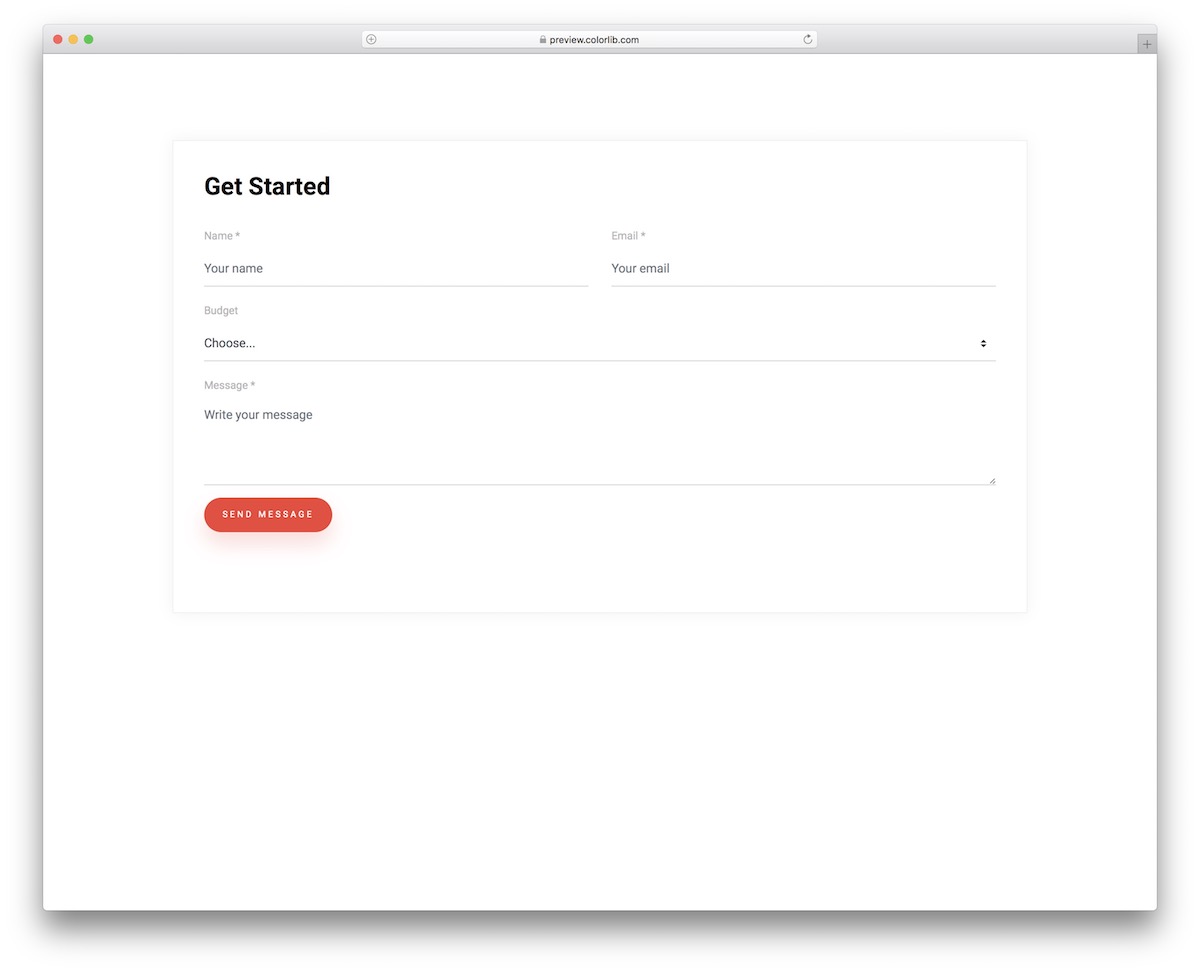
Ah, yet another one. Another beautiful one. Another one that says "minimalist." The Contact Form V19 is a perfect example of a free query form template that you can apply to your website.
Besides the design, the second major feature of this free clip is the integrated dropdown menu for budget selection.
Contact Form V20 byDiamond Field Omnichannel Marketing Independent Website Development Team
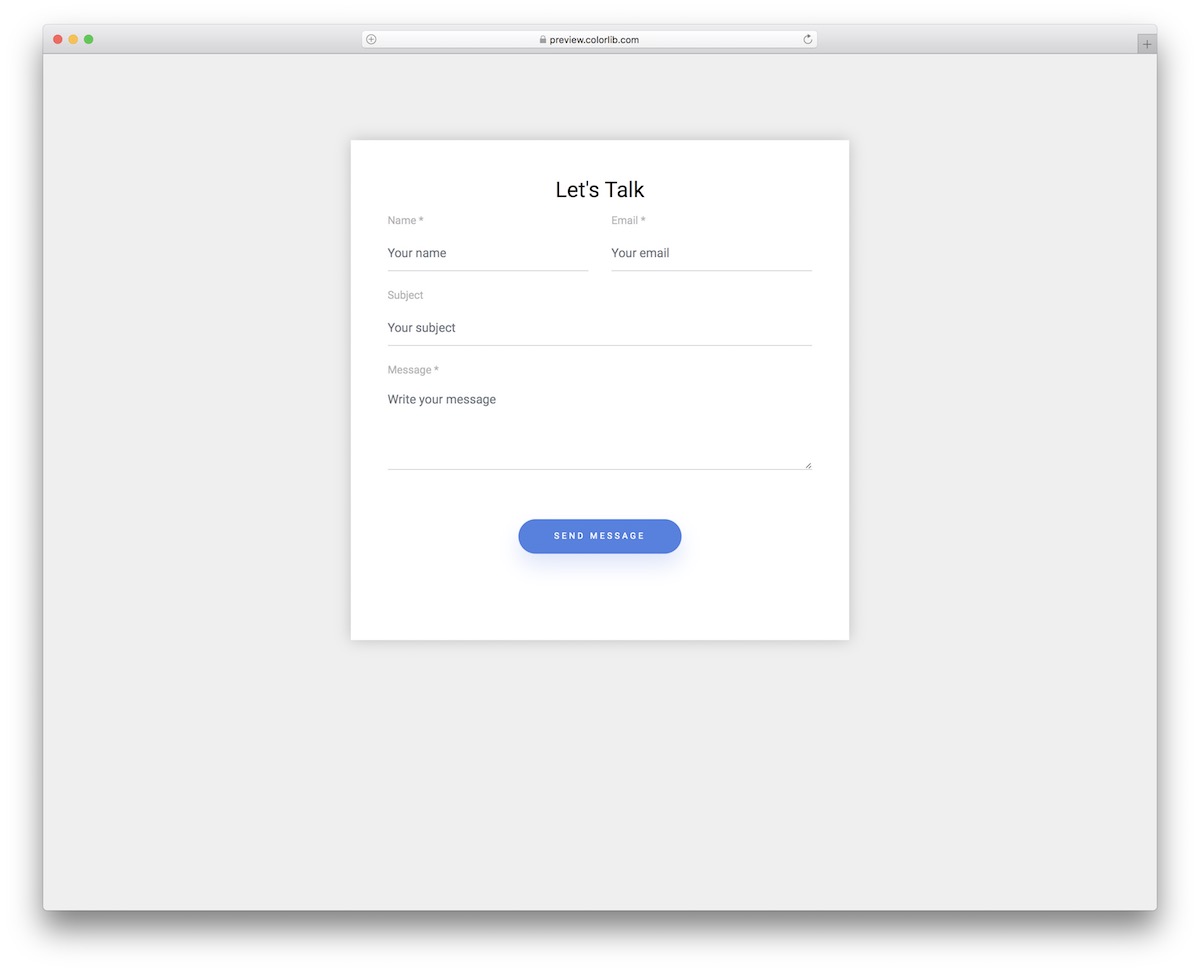
You can use the Contact Form V20 as a widget, integrate it into an existing website or blog section, or create a separate page for it.
Whether viewed on a smartphone, tablet, or desktop, the design/layout remains largely unchanged. Additionally, if you wish to change the color of the "Send Message" button, please proceed.
Contact Form V21 byDiamond Field Omnichannel Marketing Independent Website Development Team

This template follows a split-screen design to ensure ample space for fields and other information. On the right, you can add images and your contact information. You have a form to collect basic contact information and messages on the left. This will be helpful if users want to contact you directly with personalized messages. We've added smooth animations when users click on contact form fields to provide an interactive feel. You can also mark required fields on the contact form. The message field has no character limit, so users can add detailed messages.
Contact Form V22 Depend onDiamond Field Omnichannel Marketing Independent Website Development Team
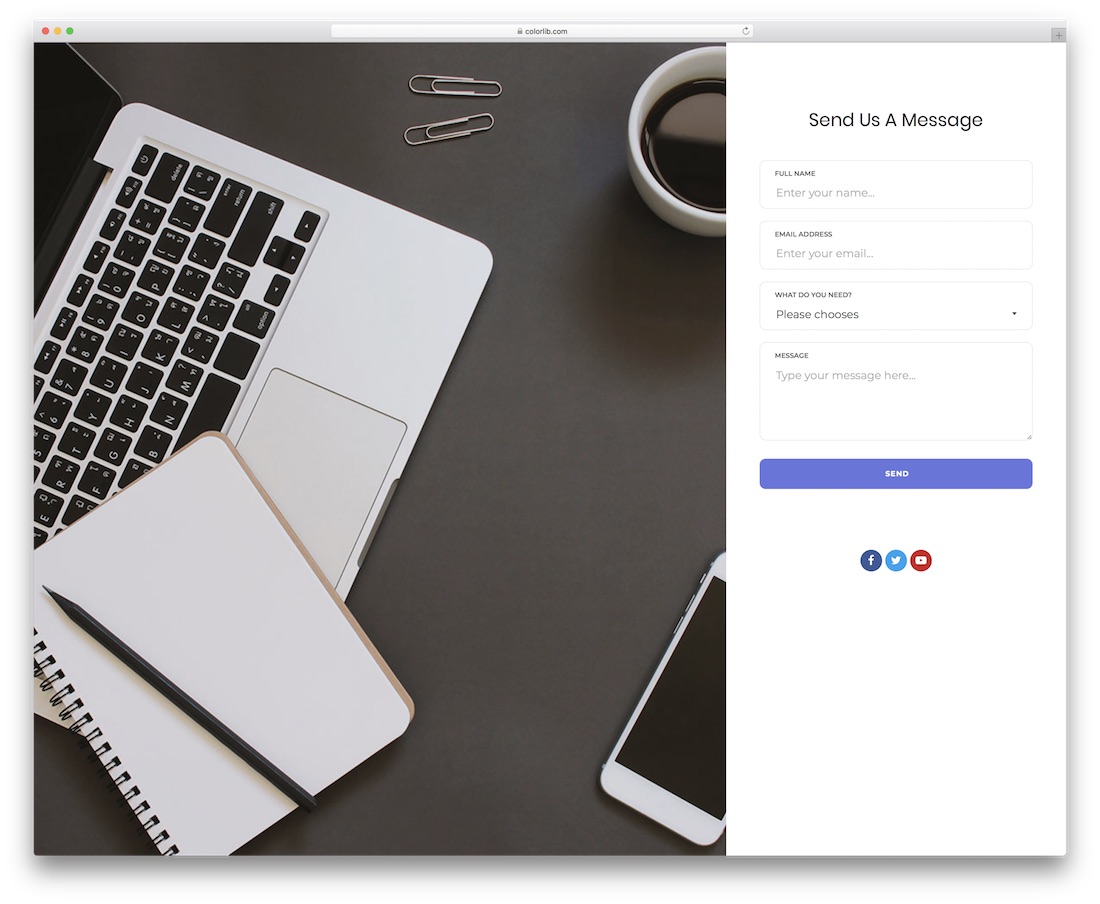
This template variant belongs to the first category of query form templates I mentioned above. However, it's not a completely option-based template; we also offer custom messages. This template is also a split-screen design, but it's a full-page template. The contact form includes name, email address, department selection options, and a custom message form field. To help you attract visitors in the social media section at the bottom, you can add social media profile links.
Contact Form V23 Depend onDiamond Field Omnichannel Marketing Independent Website Development Team
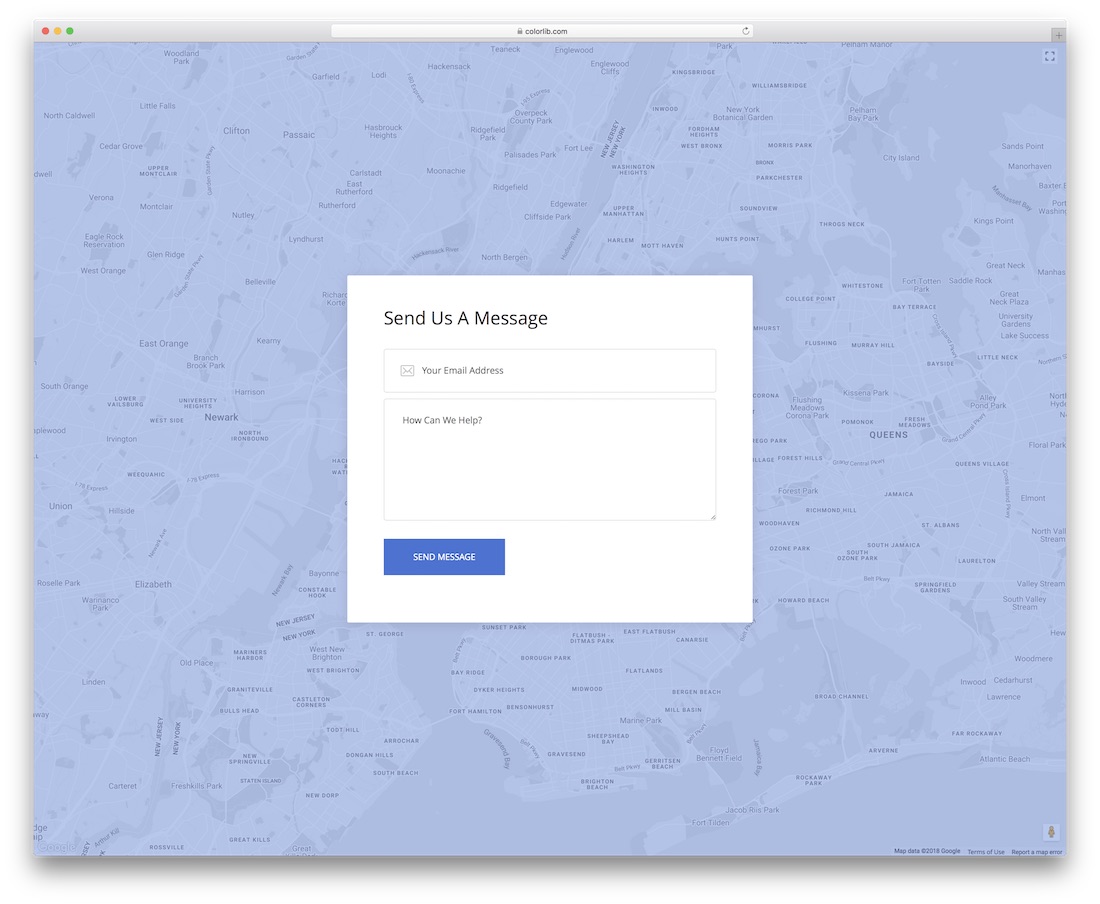
There's always a rule in lead generation: the simpler the process, the higher the lead capture rate; this form uses the same principle. Using this form template, you can collect customer email addresses and messages without obfuscation. This is a full-page template with a map background. The contact form is designed with a clean white background to make the text visible as visitors type. Subtle animation effects are added to the form fields.
Contact Form V24 Depend onDiamond Field Omnichannel Marketing Independent Website Development Team

Contact Form V24 is a colorful form template, perfect for modern, stylish, and creative websites. The clean white form looks neat against a gradient background. Field validation is done on this template, so if a user misses a field, it will be highlighted with a red box. Each form field offers ample space to accommodate longer text. A call-to-action button with a hover effect adds a lively touch to the template.
Contact Form V25 Depend onDiamond Field Omnichannel Marketing Independent Website Development Team
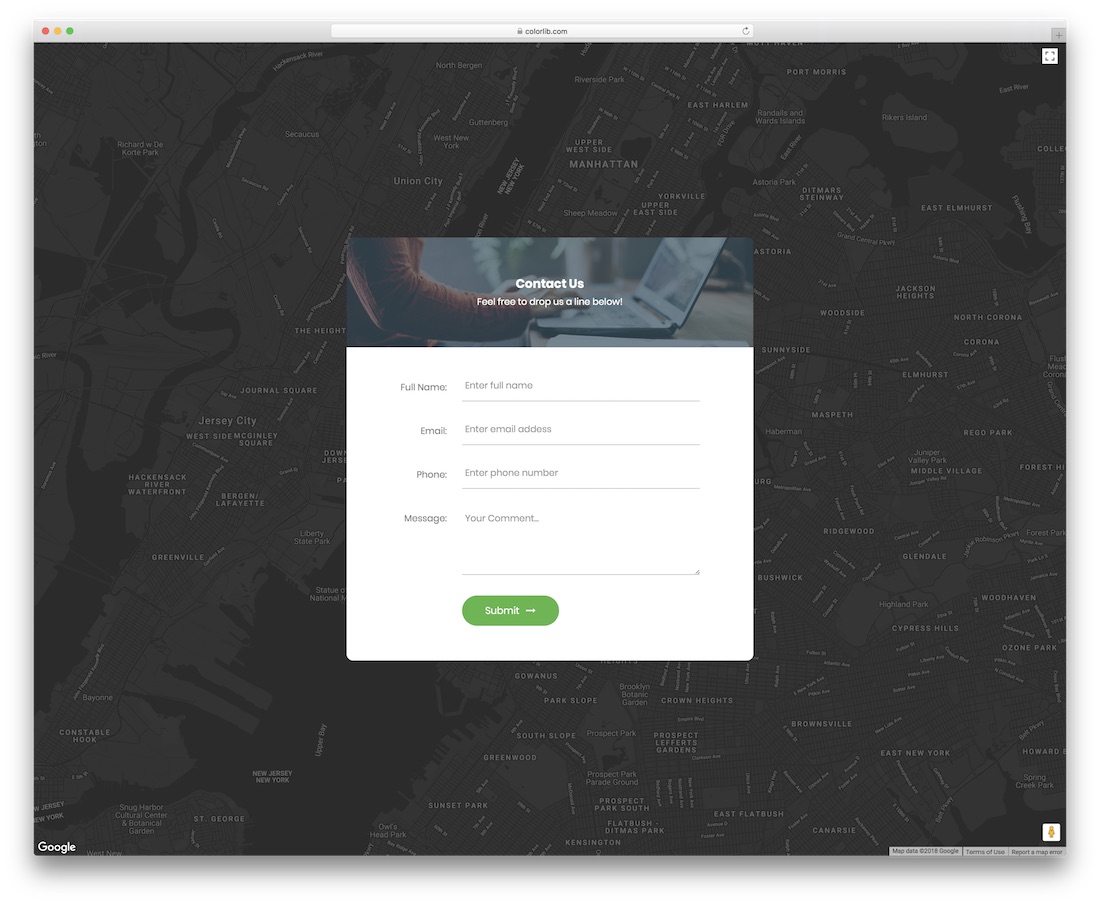
Contact Form V25 is an interactive website template. Its intuitive design makes it easy to use for contact and query forms. An interactive map background sets this template apart. The map provided as the background links directly to Google Maps, so you get all the functionality typically available on Google Maps. We've also given the form design a significant role in the background. Subtle smart animation effects indicate which field is currently being edited. Furthermore, Contact Form V25 uses the latest HTML and CSS frameworks, so you can get all the modern web elements and effects you'd expect from this form template.
Contact Form v26 Depend onDiamond Field Omnichannel Marketing Independent Website Development Team

Contact Form V26 is a simple yet elegant form template. You can use this type of website template in your single-page website templates. It's a lightbox-based format. Therefore, this template will come in handy if you want customers to contact you immediately without waiting for the next page to load. The use of light-stroke vector borders in the form fields gives this template a professional look. If you have a different color scheme, we used blue as an overlay for the lightbox effect, which you can easily customize. The Contact Form v26 template supports field validation, so you don't have to worry about missing information.
Contact Form v27 Depend onDiamond Field Omnichannel Marketing Independent Website Development Team
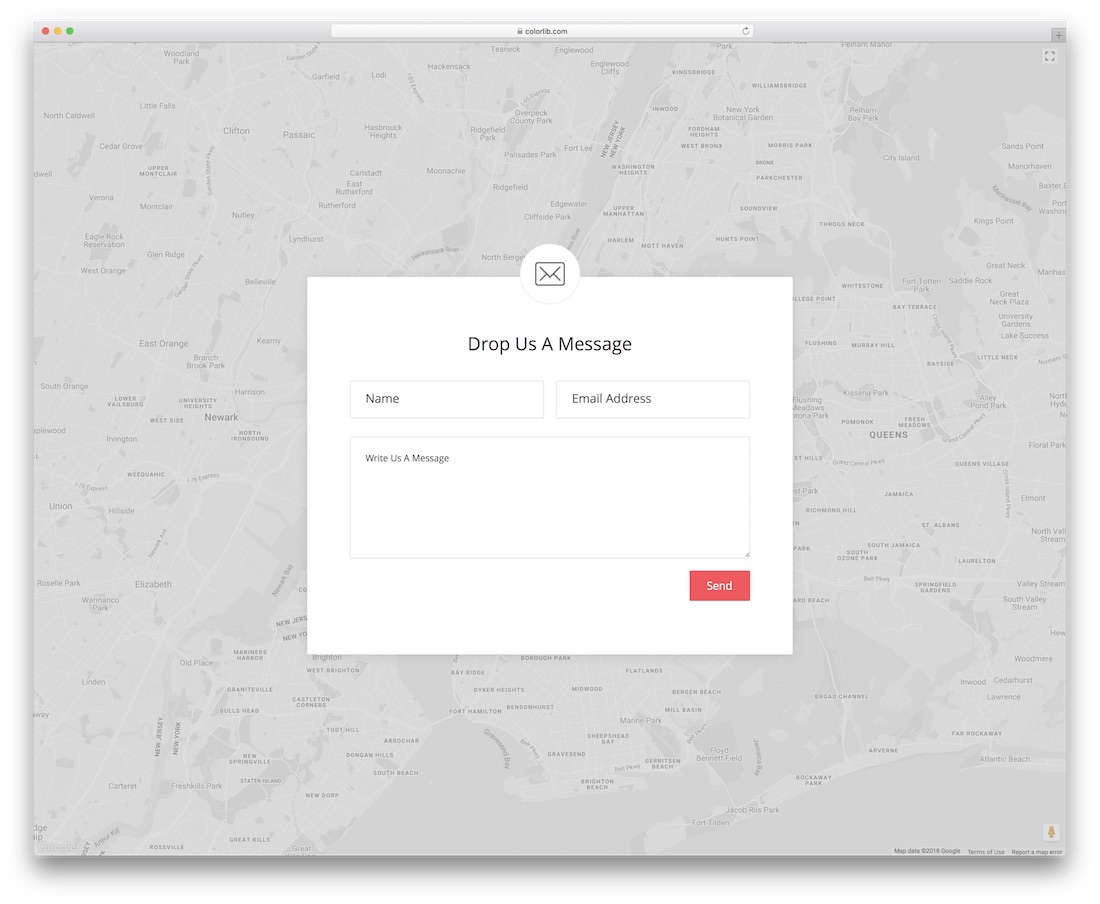
Contact Form V27 is similar to Form Type 15 mentioned above. It's a short, bold form template containing only the essential form fields. Because only the important fields are included, you can provide ample space for each field. This template also features an interactive map background. Visuals silently indicate to the user which field to enter data in. Pink is used for the call-to-action buttons. Therefore, if you are looking for a form template for a teenage girl's website or a kindergarten website, you can use this template as the color scheme largely matches the mentioned website template types.
Contact Form V28 Depend onDiamond Field Omnichannel Marketing Independent Website Development Team
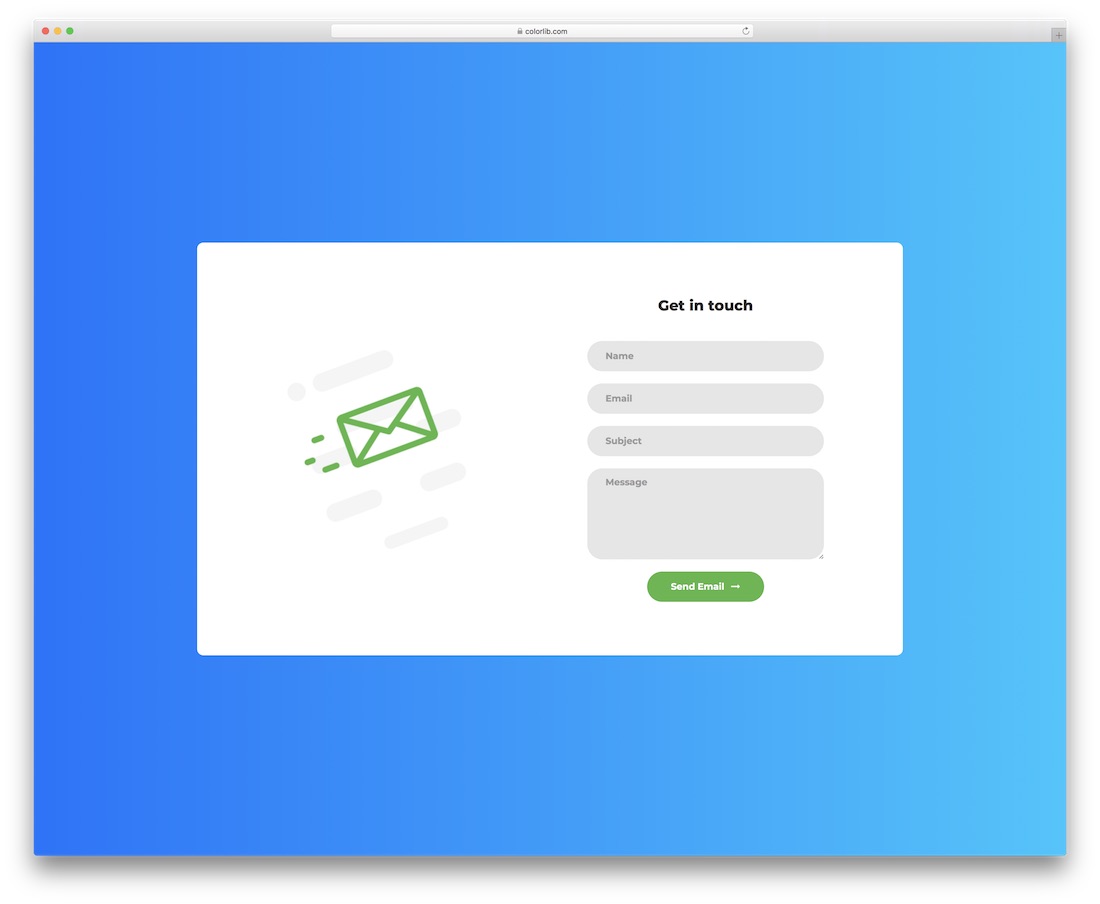
If you've looked at our list of recently built templates, you may have seen an interactive template like Contact Form 1. It's a stylish form template using modern web colors, fonts, and effects. One of the best free query form templates uses visually balanced proportions to maintain interactivity. This template is perfect for creative software company websites and application login pages. It's a full-page template with a solid blue background. Our developers used the latest HTML5 and CSS3 to create this interactive form template.
Contact Form V29 Depend onDiamond Field Omnichannel Marketing Independent Website Development Team
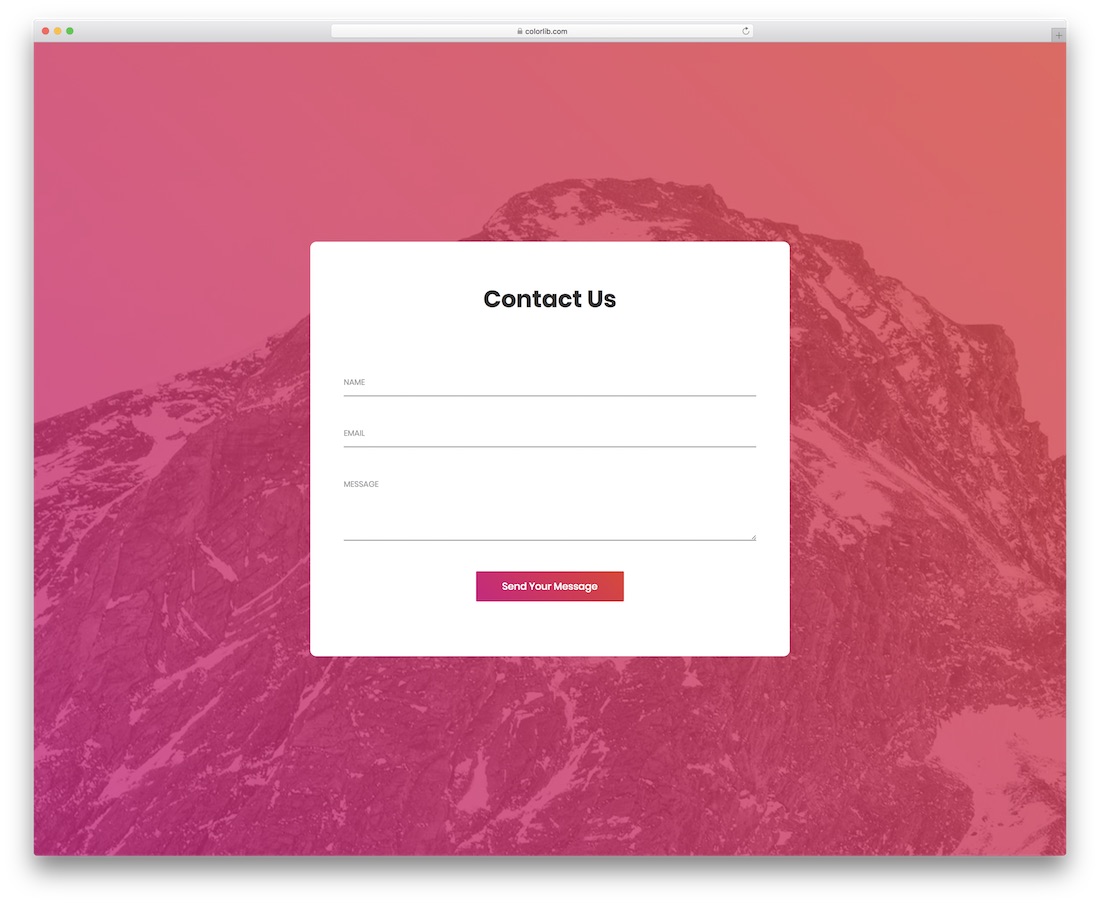
Contact Form 2 is a vibrant and modern contact form template. Its smart design makes it ideal for various multi-functional uses. This is a bold template with only essential form fields such as name, email address, and message. The call-to-action button uses a stylish gradient, and for the hover effect, it also uses gradient colors. Since gradient colors are a popular element in today's website design, this color scheme easily fits into any modern HTML5 website template. To indicate to users which field they are using, small lines with animation effects are used for fill.
Contact Form V30 Depend onDiamond Field Omnichannel Marketing Independent Website Development Team

Contact Form V30 is another versatile form template of ours. We also mentioned this template in our booking form template collection to show how well it works with any form. This template includes two query form templates that I mentioned in this article. Users can send you general messages or select a department and reply directly. This is a full-page template with an image background; for the contact form, we used a solid green color scheme. The professional-looking font and white text color make the text easier to read on the colored background.
Contact Form v31 Depend onDiamond Field Omnichannel Marketing Independent Website Development Team
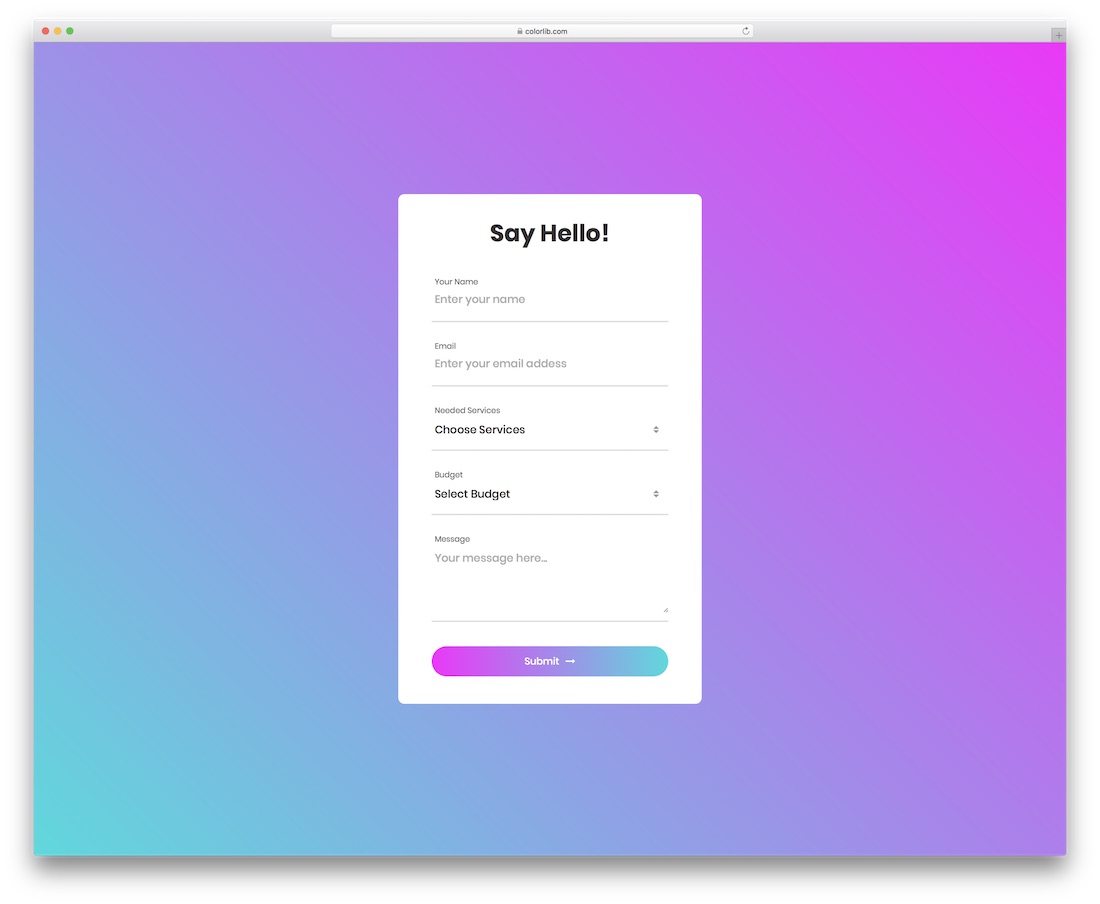
Contact Form V31 is a colorful form template. It's almost identical to Contact Form Version 3, but this template only offers a conditional form format. In this template, visitors can select a service and budget; all other fields have no character limits. The template uses a color gradient as its color scheme. A gradient color is also used for hover effects, and the reverse gradient adds further richness to the overall look of the template. Bold and regular text are used appropriately for easy readability of the text in the fields.
Contact Form v32 Depend onDiamond Field Omnichannel Marketing Independent Website Development Team
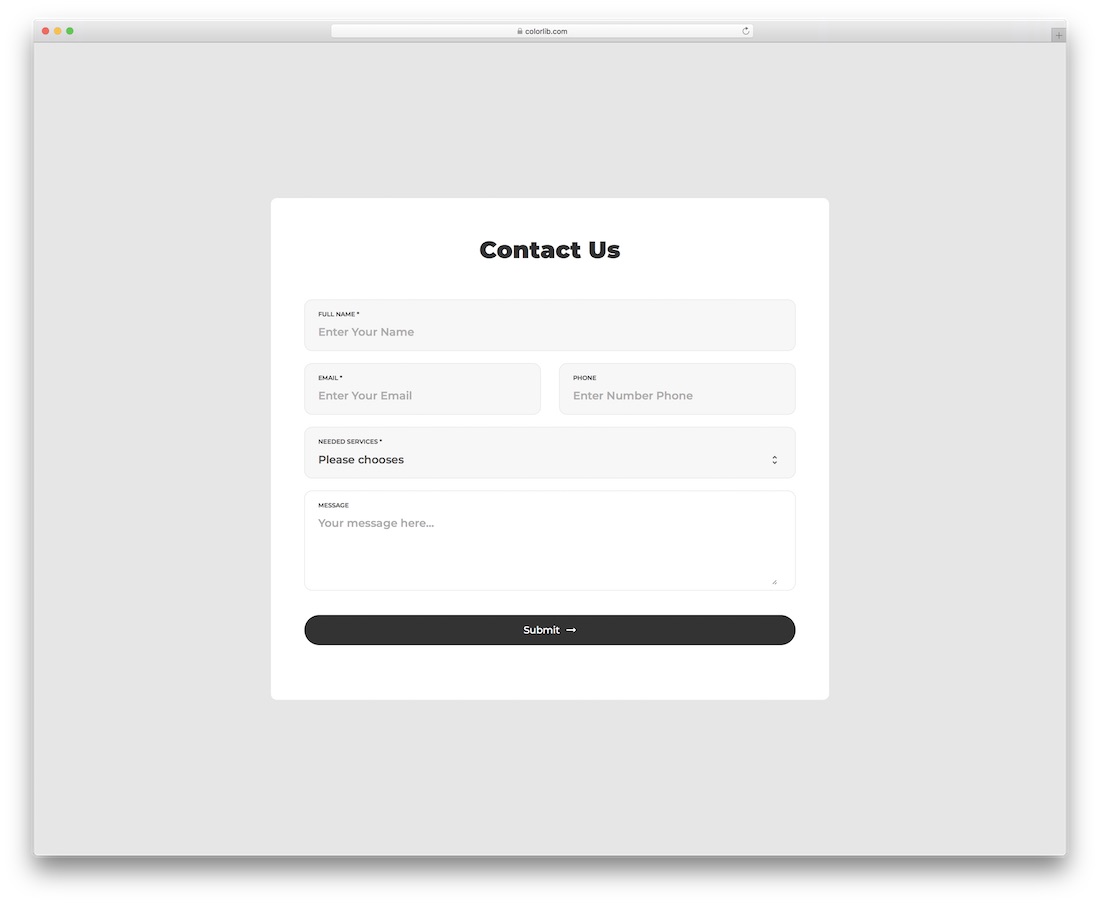
Contact Form V32 is a simple form template. Its simple design makes it easily adaptable to all websites. This template is a fully functional form with form field validation and hover effects. All you have to do is integrate it with your contact form software. Because the form is simple, you can add CSS to fit it into your existing HTML website template design. With this template, you can get fields such as Name, Email, Service Section Options, and SMS.
Contact Form V33
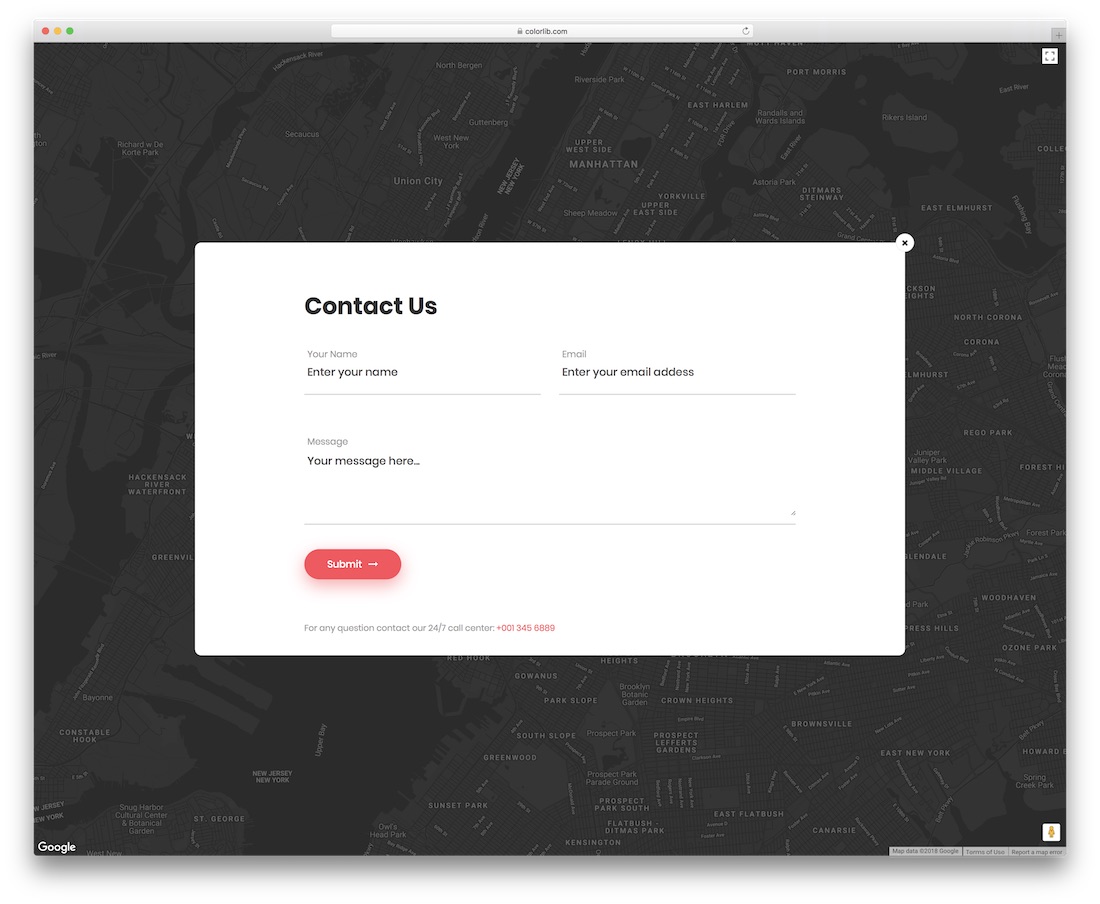
Contact Form Six differs slightly from the list of free query form templates. Instead of providing the form directly, we've added a glowing email icon with a click. The form is simple yet generous, offering ample room for long text. The visuals are also subtle, suitable for a professional website template. Similarly, this template uses an interactive map background linked to Google Maps. The template utilizes the latest HTML5 and CSS3 frameworks, resulting in modern web elements, smooth animations, and stylish colors.
Contact Form V34
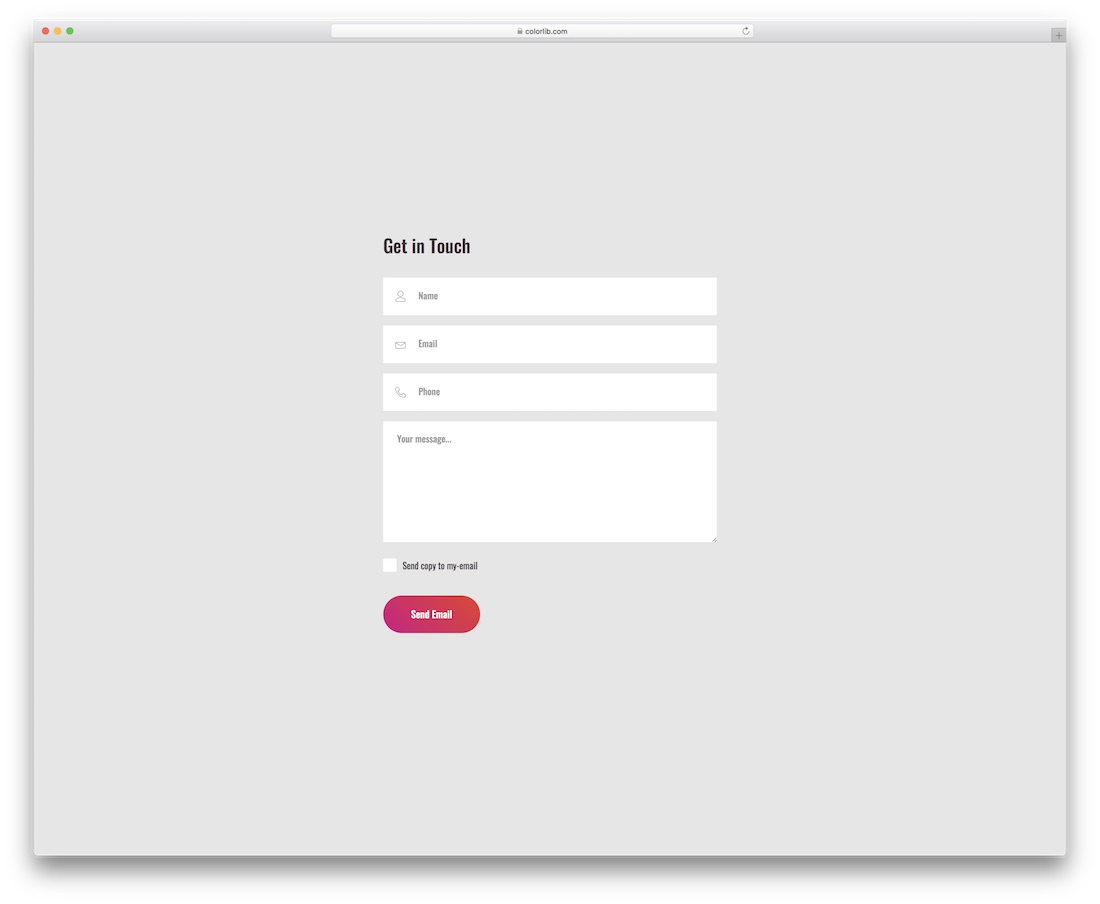
Contact Form V34 is also a simple and clear form template. Its simple and elegant style makes it a universal form template that can be used for any form. This template includes name, email, phone number, and personal information. Line icons are used to indirectly indicate form fields. Some website owners send copies of the form to visitors' emails for later reference. This template allows you to add a checkbox, letting users choose whether to provide a copy in their email.
Contact Form V35
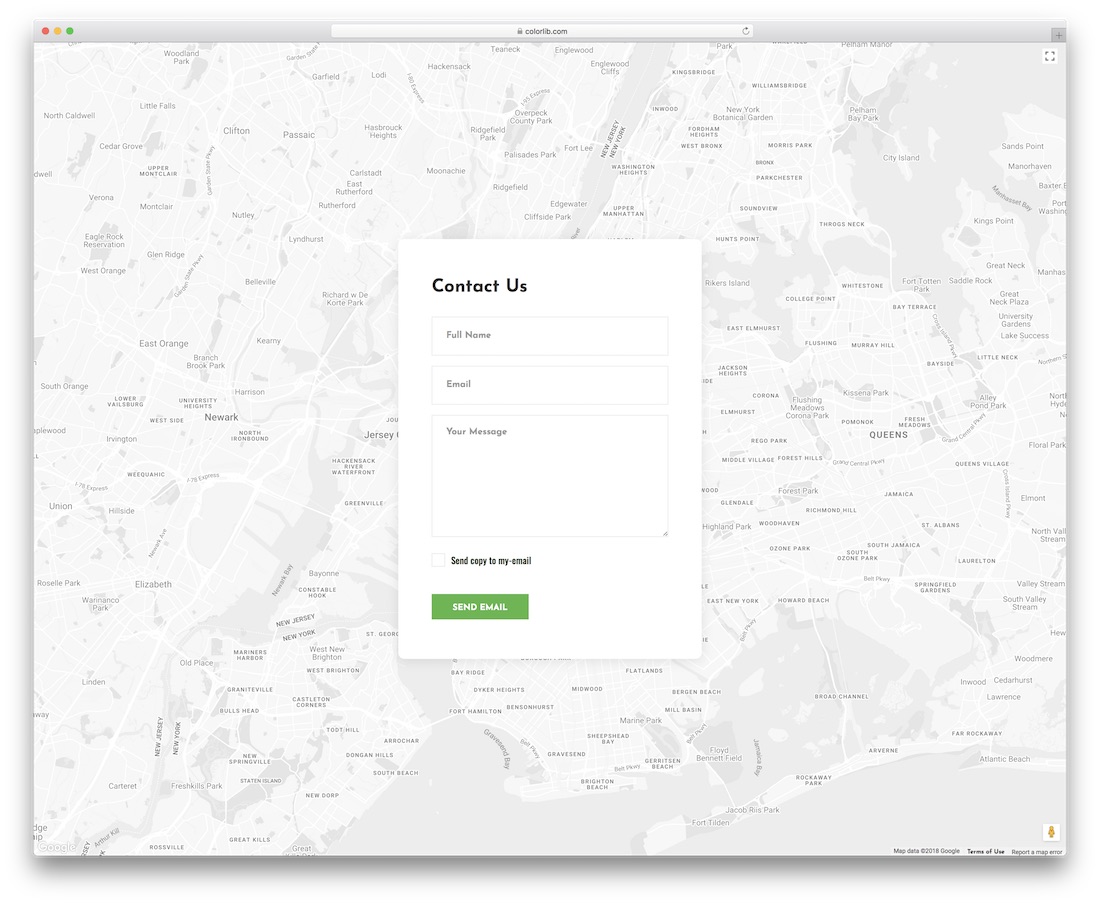
Contact Form V35 is a hybrid of Template Version 6 and Version 7. You'll get a simple, clean contact form with an interactive map background. The form includes fields for name, email address, and personal message. There's also a "Sent to email" checkbox to help users choose whether they need a copy of their conversation with you.
Contact Form V36

The ninth iteration of the contact form is a colorful version of Contact Form Eight. This template uses a gradient blend of blue and pink for a modern and elegant look. It features an interactive map background overlaid with a transparent gradient. Shadow effects in the contact form fields distinguish them from the white background. All form fields support field validation, so error messages are displayed in bright red. An option to add your contact information so users can directly reach you is provided when they miss the field directly below the call-to-action button.
Contact Form V37
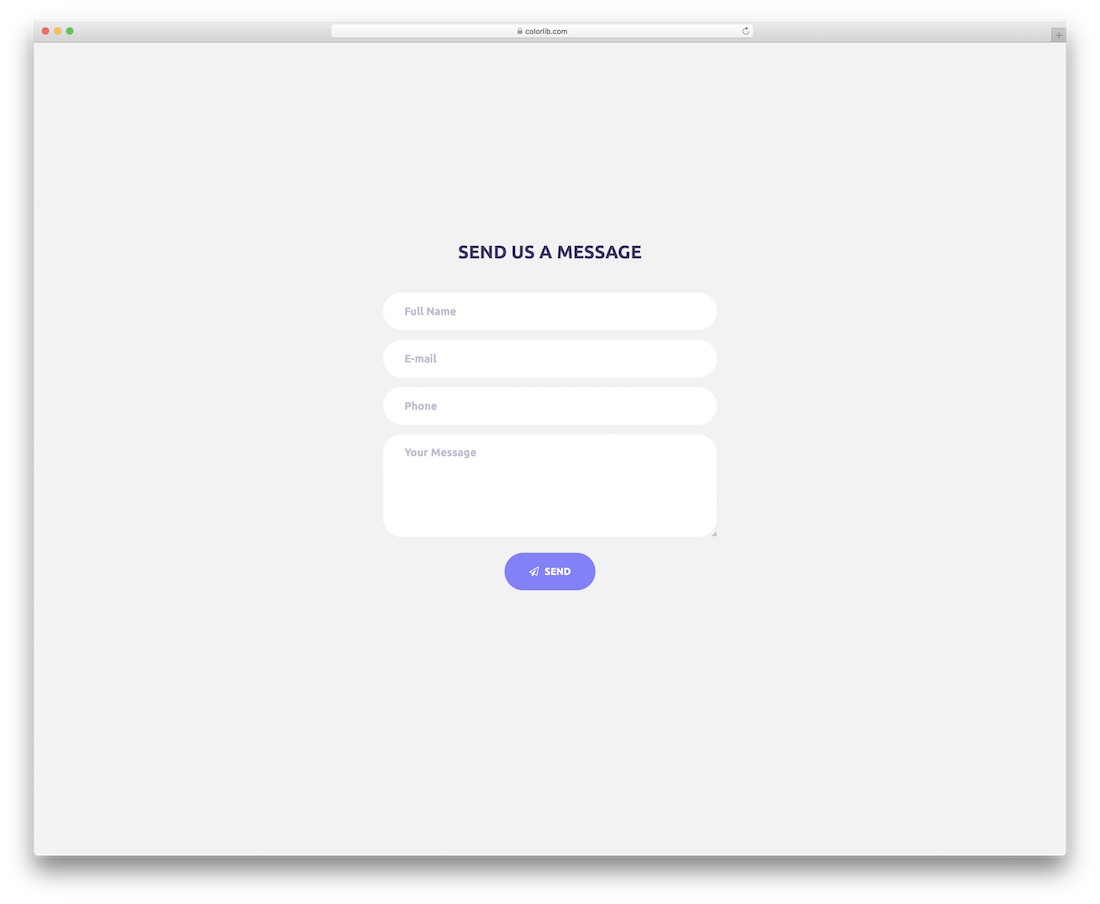
Contact Form V37 is a clean and professional form template. Its simple, clean look makes it easy to use for website forms and templates. Not only in design, but we've also made the visuals simple yet attractive. This template provides you with form fields such as name, email address, phone number, and personal information text columns. The form uses text to indicate the form fields. A small line vector is used in the call-to-action button, which is the only icon in this template design. As a developer, using a simple design template means using or customizing the template to your needs.
Contact Form V38
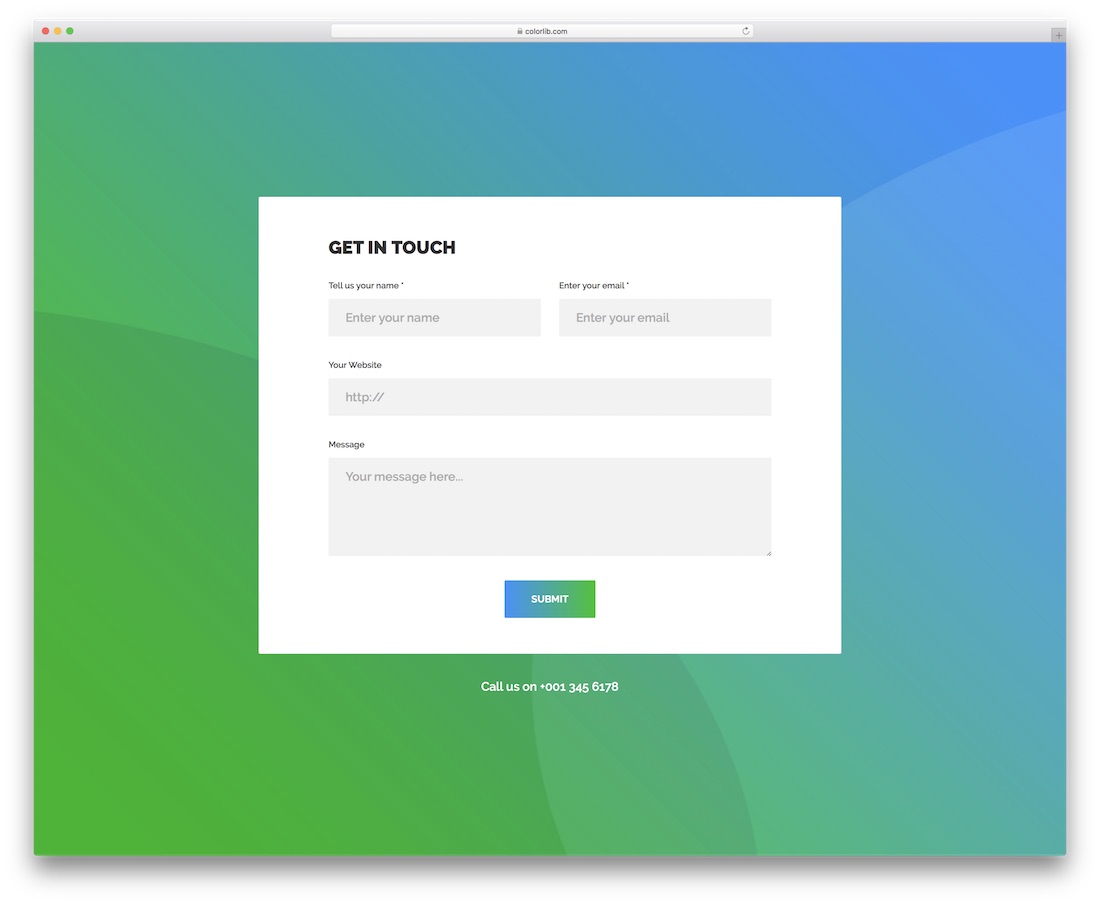
This form template is designed for modern, stylish websites and personal websites for creative professionals. The HTML5 and CSS frameworks were used to create this vibrant form template with modern web elements. A stylish green and blue gradient is used as the template's color scheme. The form looks distinct from a gradient background with a clean white background. The white background also makes the text clear and easy to read. Using this template, you can get form fields such as email, name, website address, and message text boxes. The call-to-action button also uses a gradient as its button color. At the bottom of the page, you can choose to add your contact number so that customers can contact you directly by phone if needed.
Contact Form V39

Version 12 is an interactive form template, similar to the contact form template. Since it's a full-page template, we used an image background with a modern color overlay effect. On the left is a colorful interactive vector that responds when the cursor hovers over it. On the right are the form fields: Name, Email, and Message form fields. All form fields support field validation. When a field is left blank, it is indicated by a red box, and users can infer errors by hovering the mouse over the warning symbol.
Contact Form V40
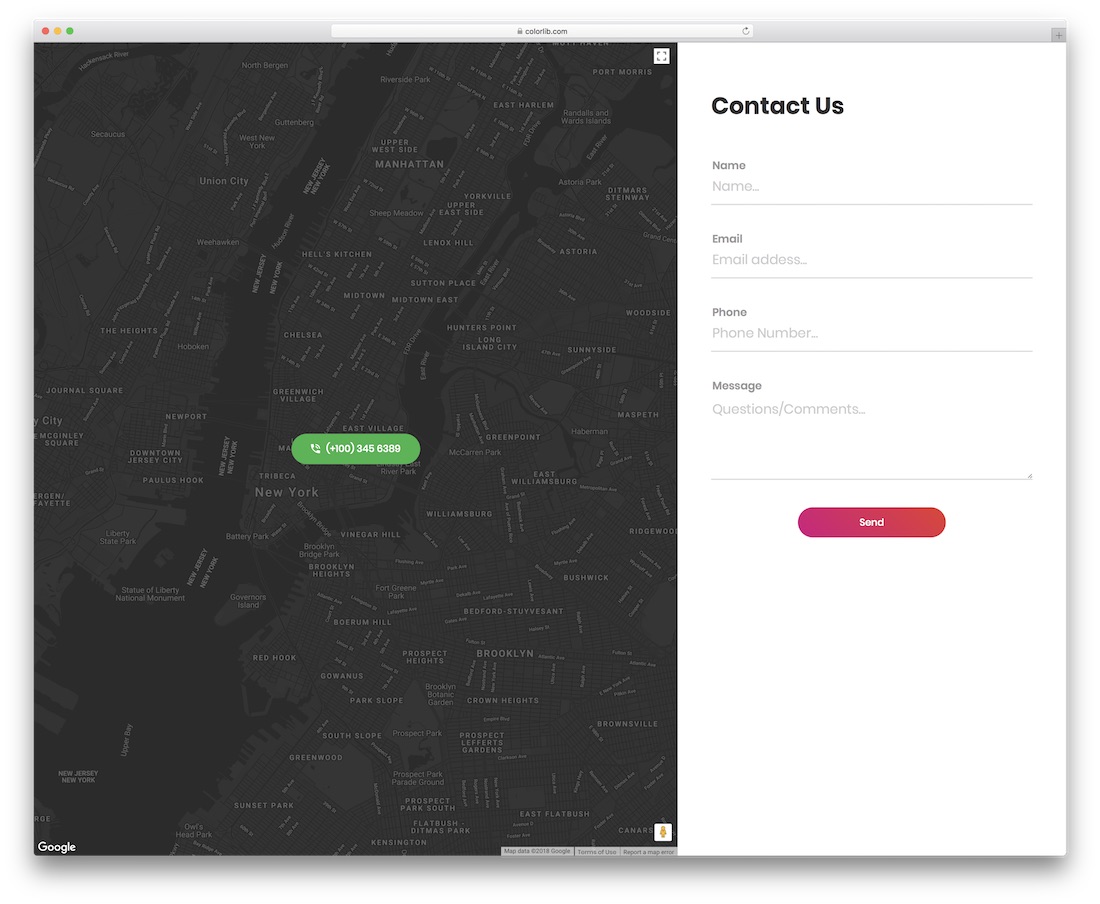
Contact Form v40 is a split-screen website template. On the left is an interactive map that continuously syncs with Google Maps. Users can also expand and view your office location within this template. All the essential Google Maps features are included. On the right are forms with fields for name, email, phone number, and message form. To help visitors contact you directly by phone, a static bracket displays your contact number. Most query form templates in this list also support field validation, reducing the likelihood of receiving error messages. Like all other templates, this one uses HTML5 and CSS3 frameworks.
Diamond Field Omnichannel Marketing has designed and developed some of the best free form templates. As you can see, most templates follow a responsive design, so you can use them for any format with a few modifications. Most templates support field validation and have a modern visual style.
For 10 years, we've focused solely on comprehensive marketing for independent websites in the international trade sector! Our main services include: independent websites, SEO, Google Ads, overseas social media management (Facebook, LinkedIn, etc.), and email marketing. Choose us, and you'll gain a modern, powerful website, an efficient and precise digital marketing strategy, and opportunities for team growth and development.
 English
  简体中文
简体中文  Español
  Русский
  Deutsch
  Français
  العربية
  日本語
日本語  한국어
한국어  Tiếng Việt
  Bahasa Indonesia